
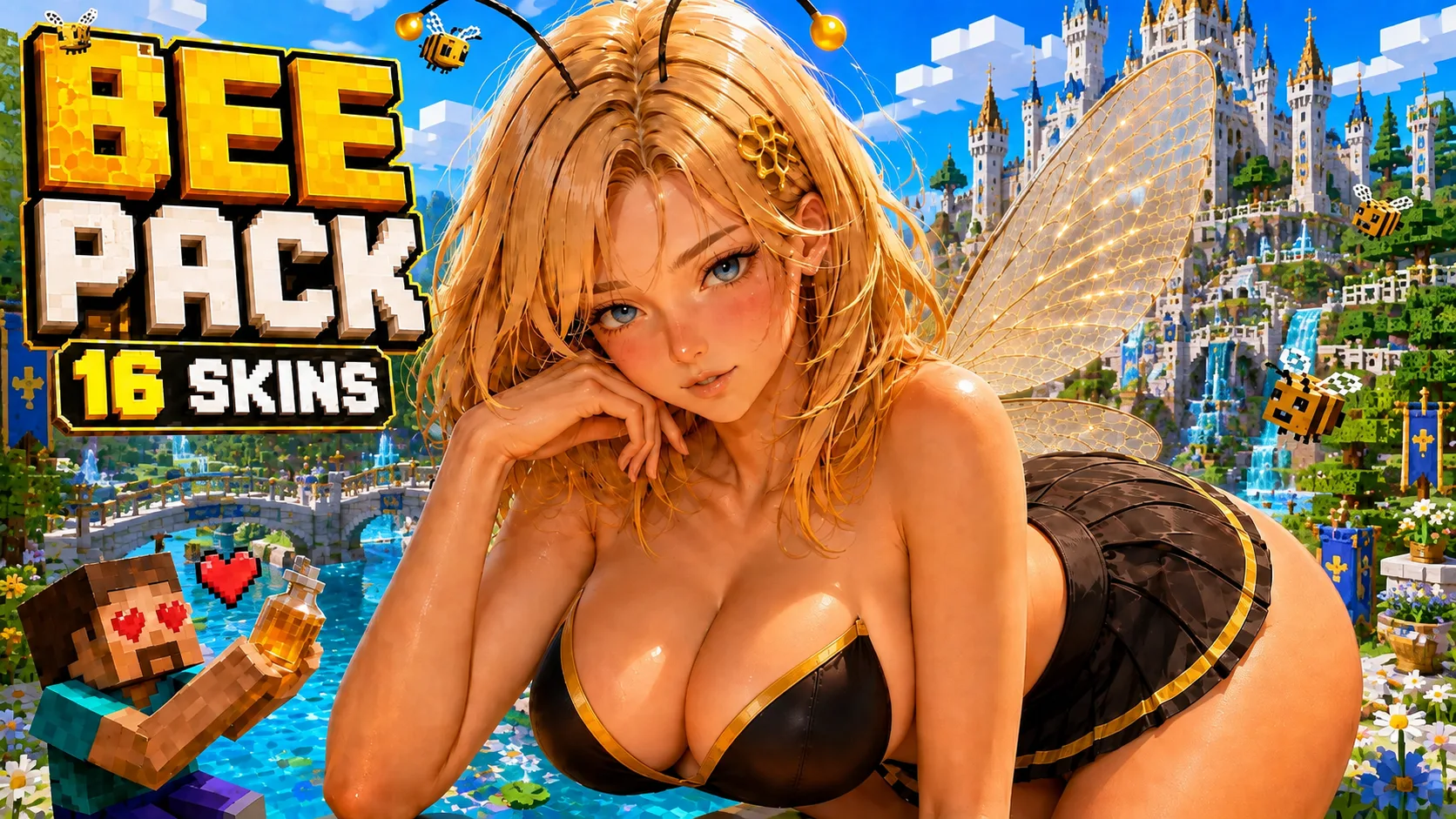
Jenny Mod Bee Pack for Minecraft PE/Bedrock (NEW 2026)
Explore the Jenny Mod Bee Pack for Minecraft PE and Bedrock with 14 character models in HD and Lite editions, 28 .mcpack choices and visual previews.
- 1.21
- 1.20
Bee Pack for Minecraft PE and Bedrock
The Jenny Mod Bee Pack for Minecraft PE/Bedrock is a collection of visual replacements made for the Bee character. It includes 14 named model themes, and every design is available in both HD and Lite form. That gives players 28 separate .mcpack choices without requiring a duplicate copy of the full add-on for every appearance.
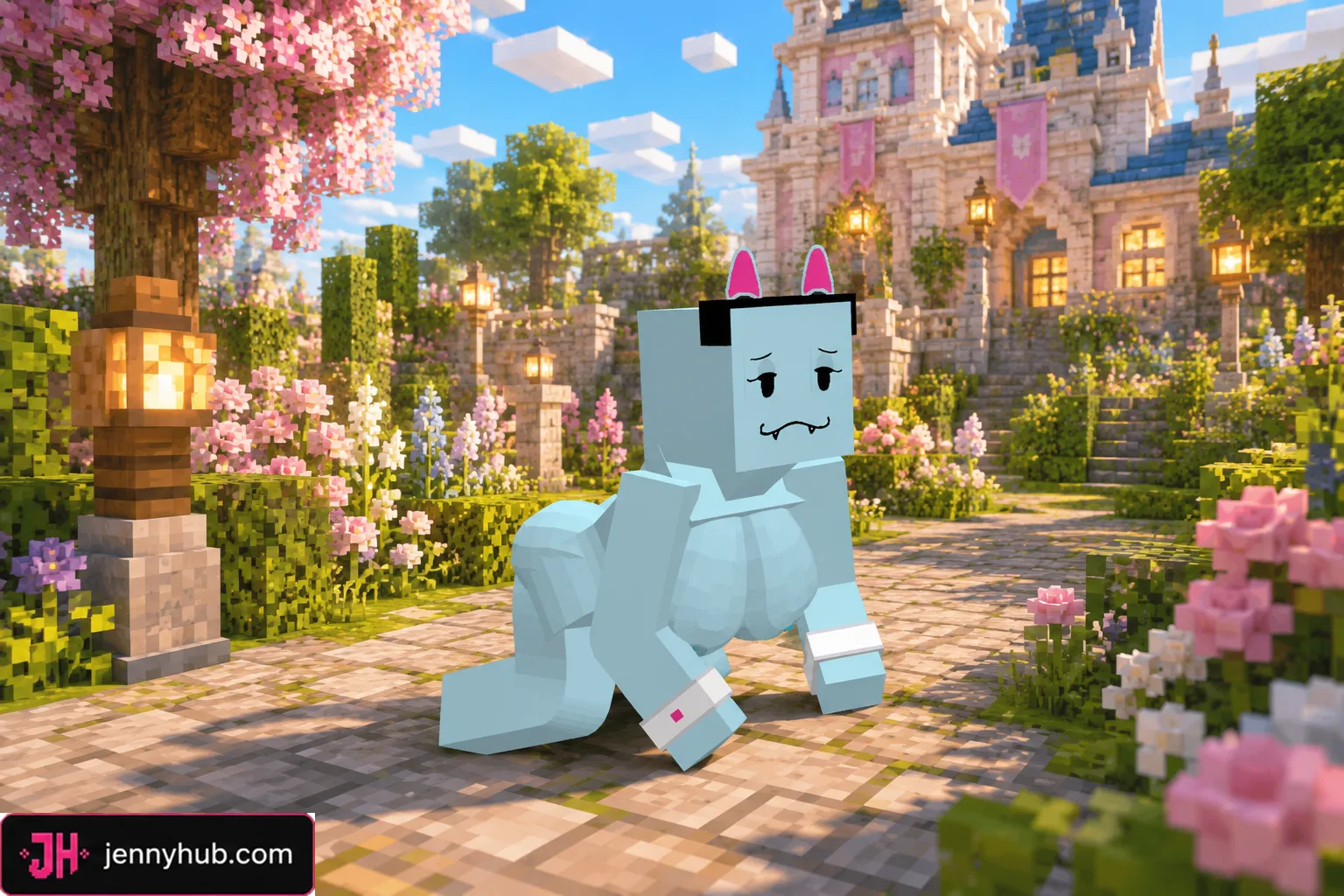
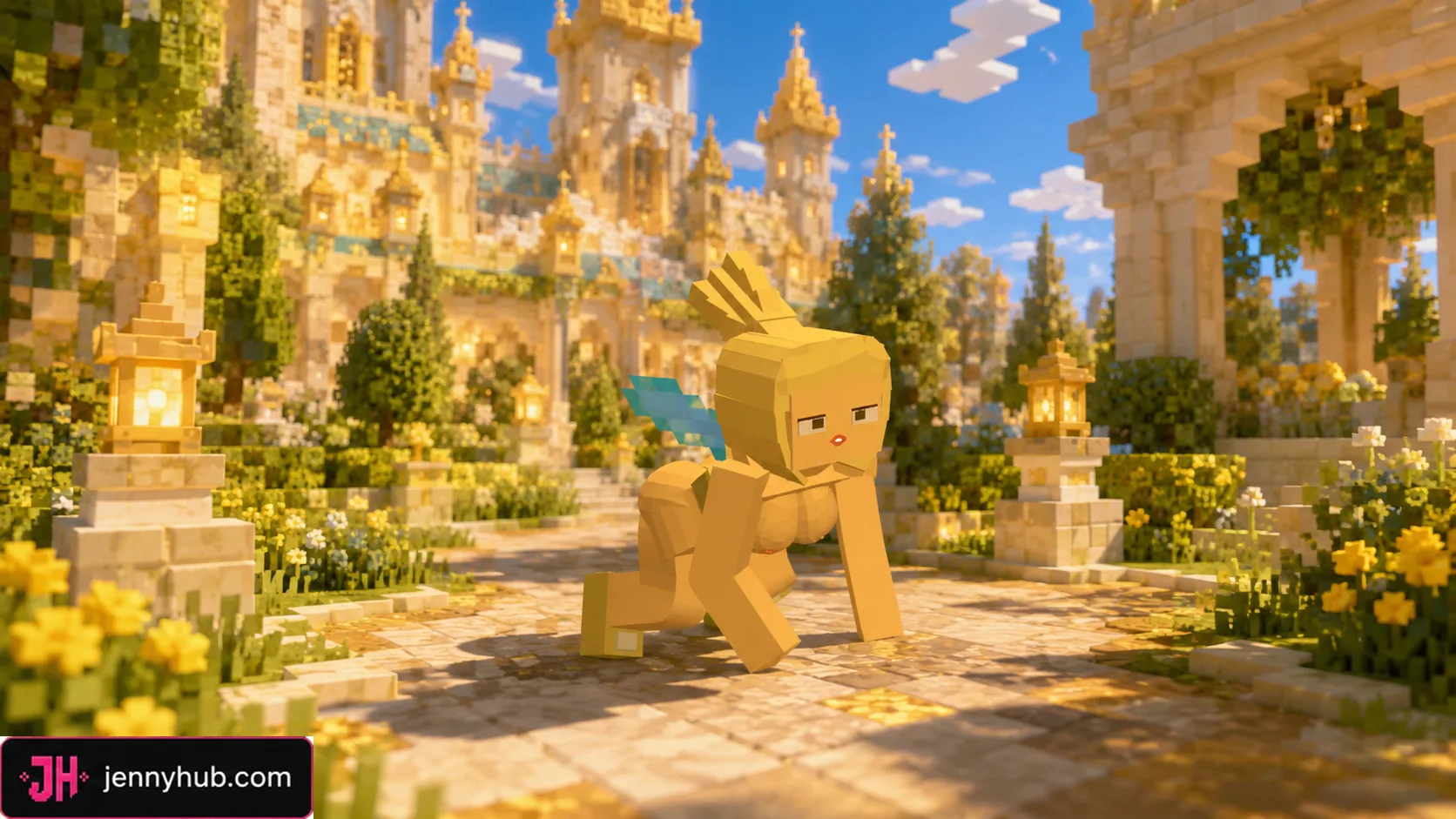
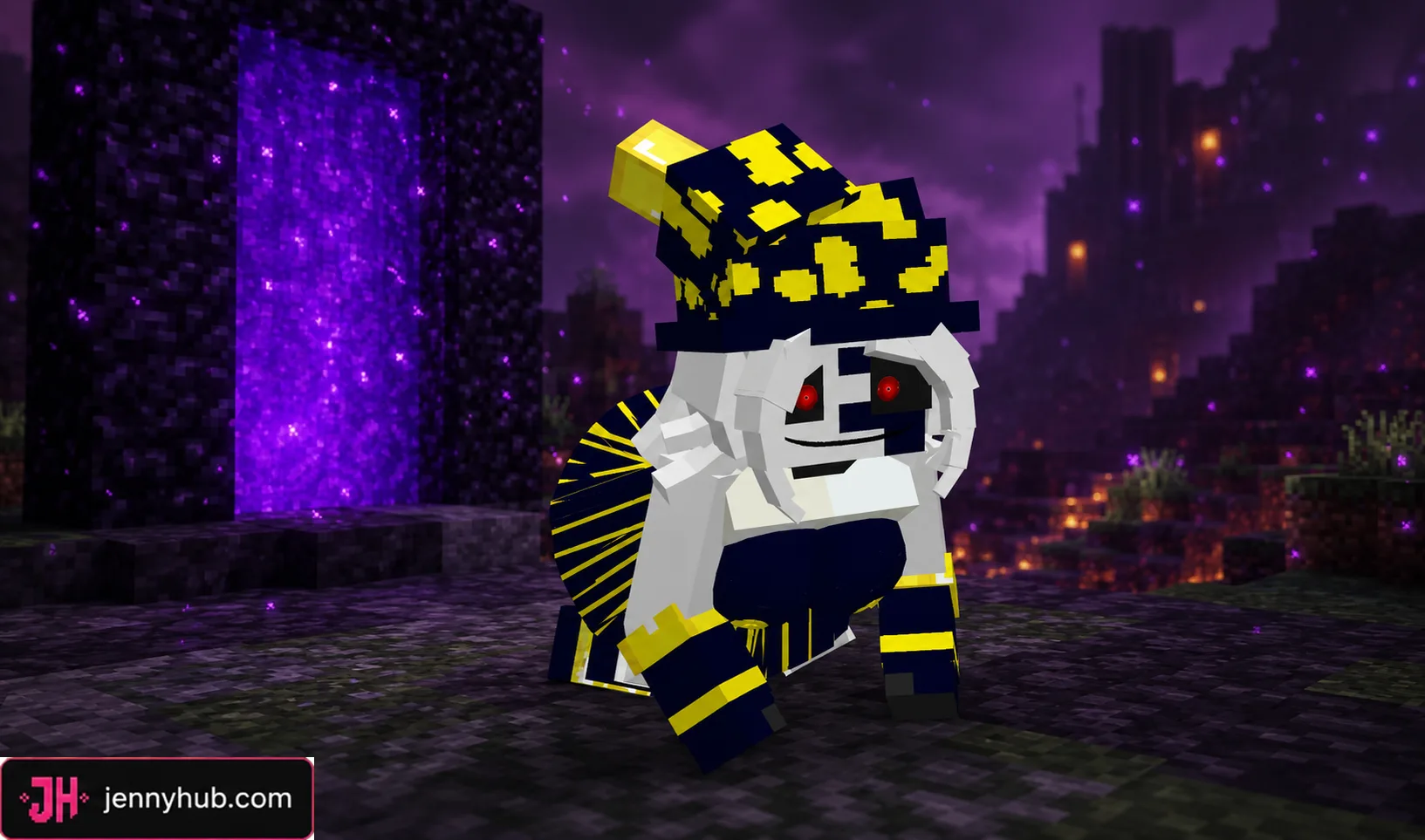
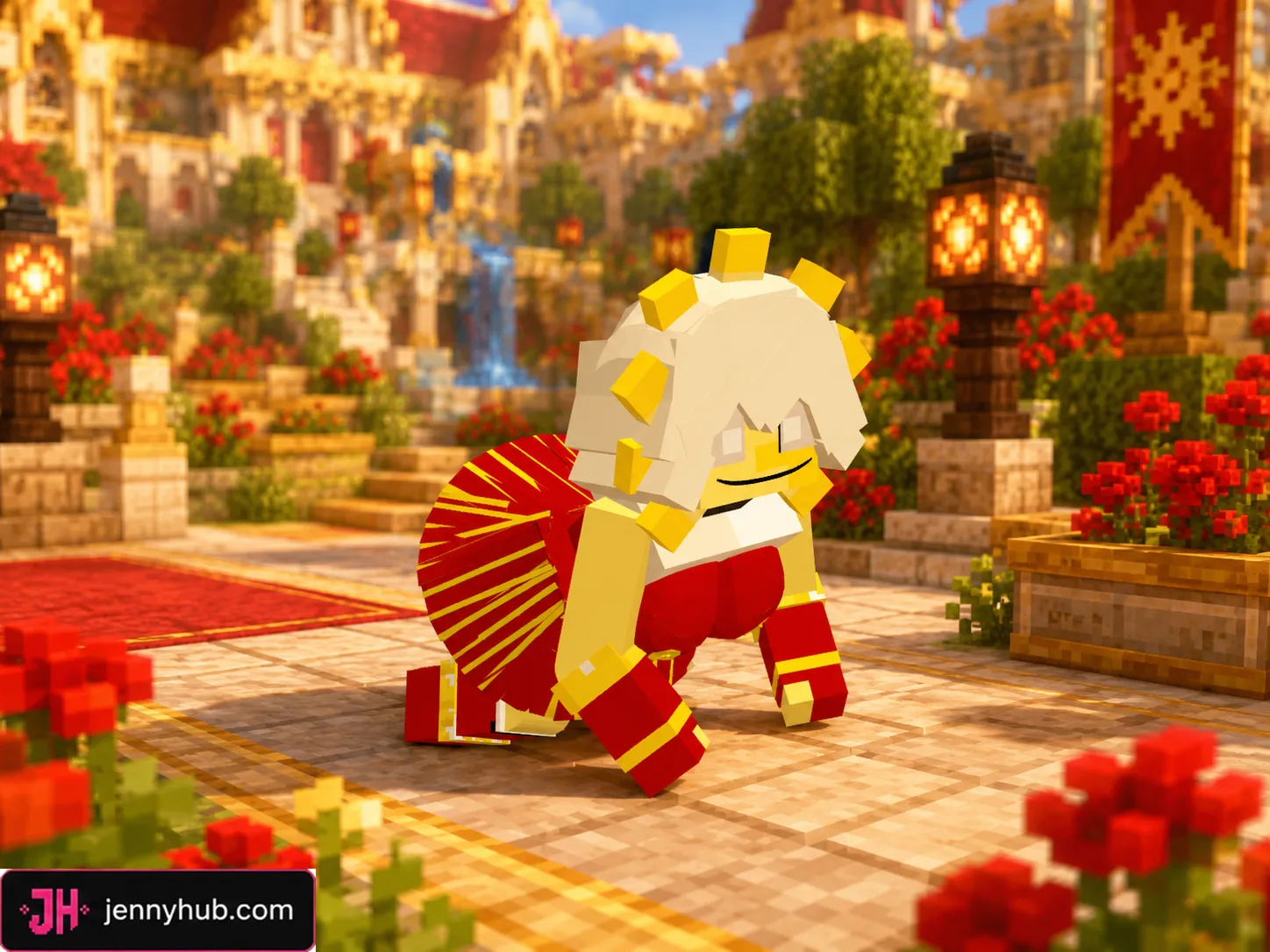
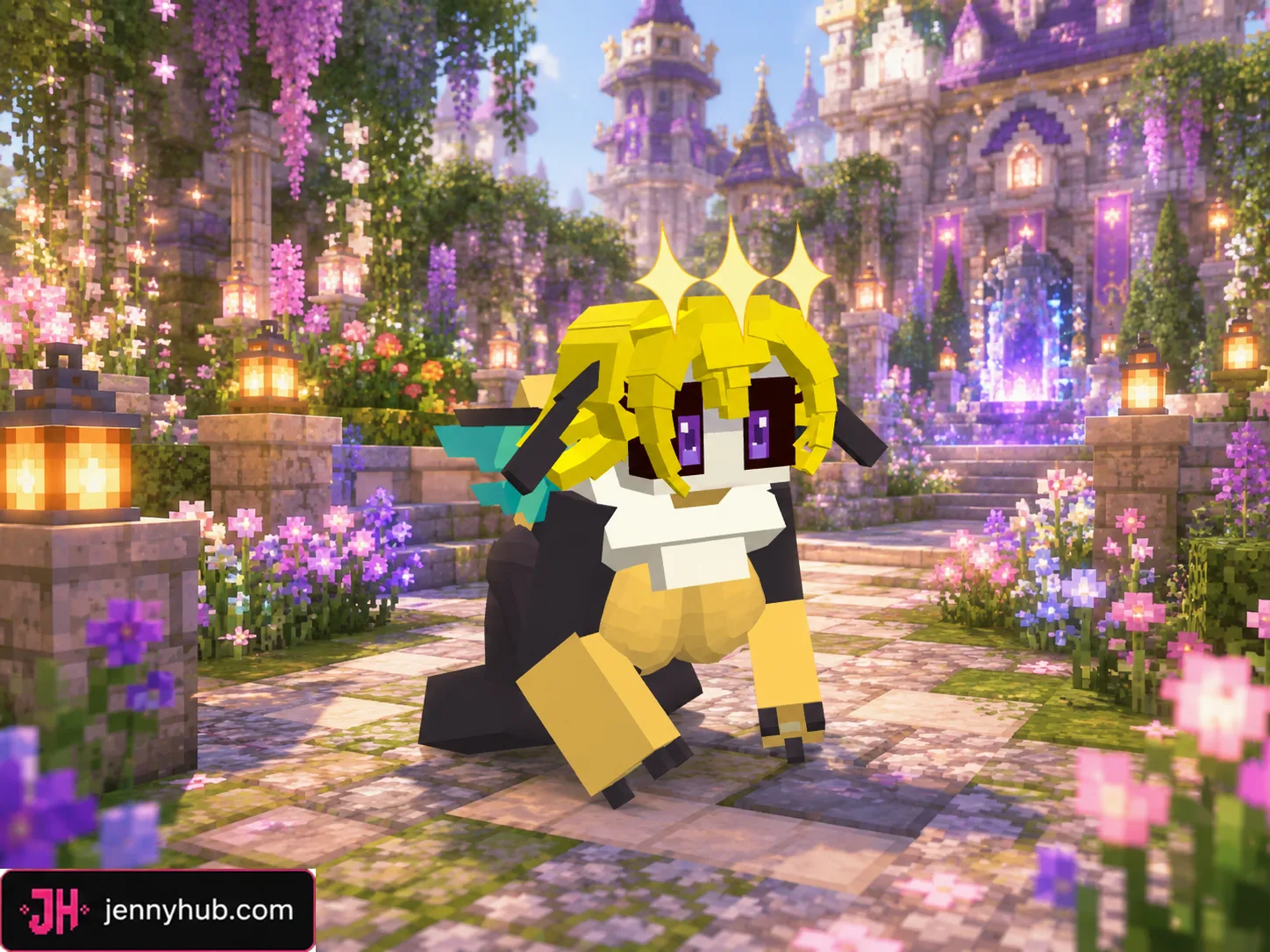
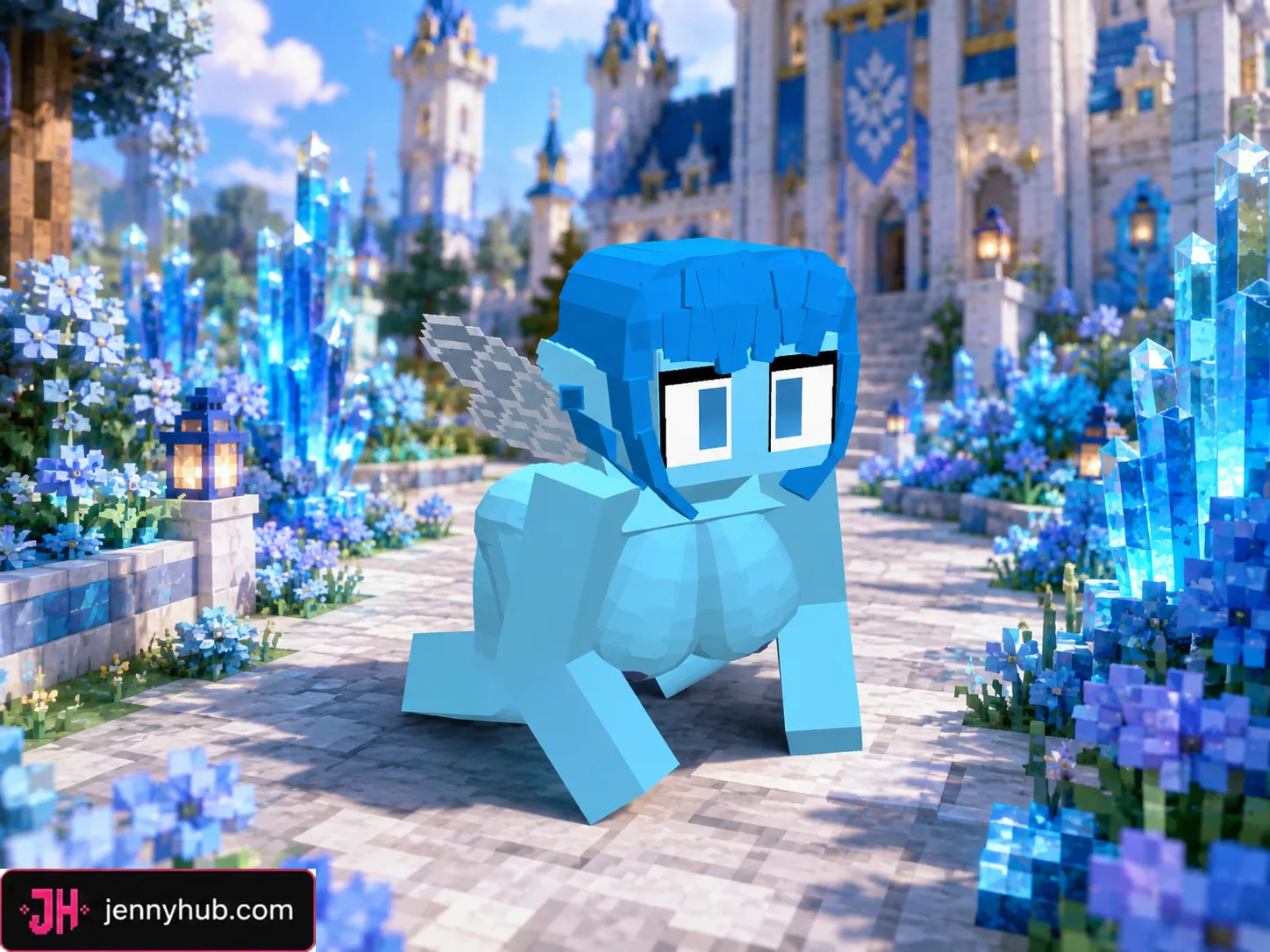
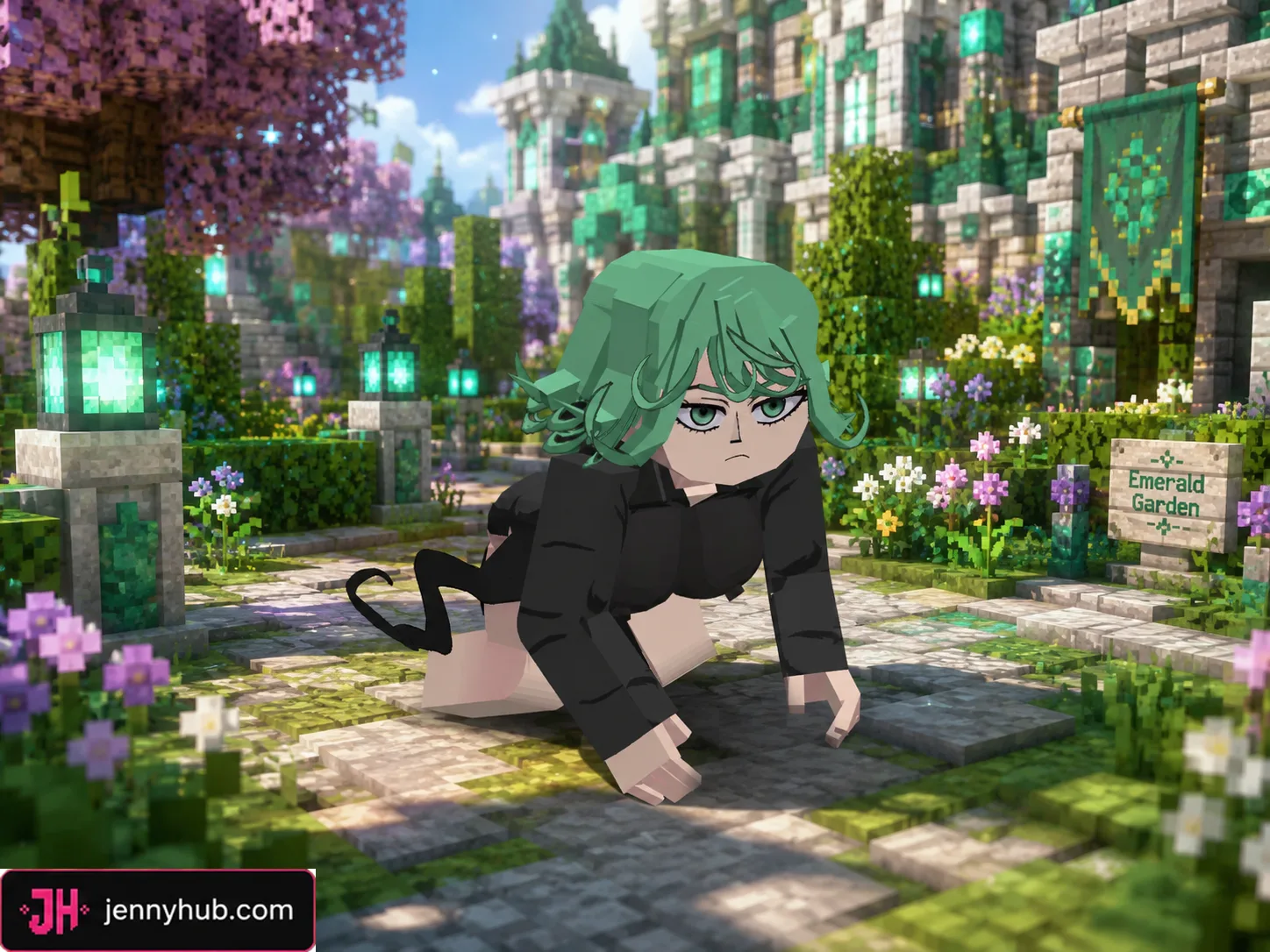
These packages are texture and model replacements rather than standalone character add-ons. Install the main compatible Jenny Mod first, then activate one Bee Pack option to change Bee’s appearance in the game. The gallery below helps you compare the available designs before choosing a download.
What comes with the Bee Pack?
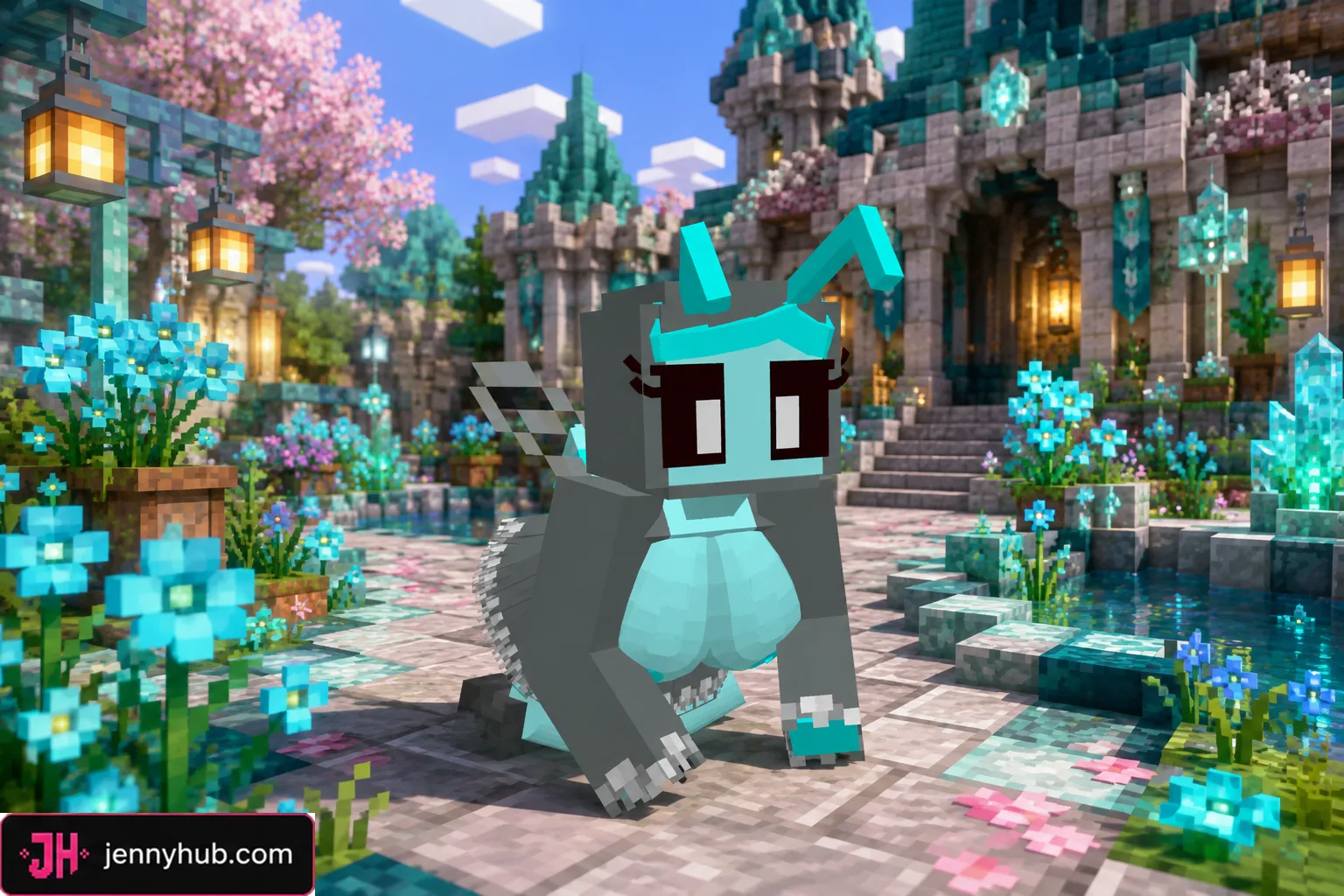
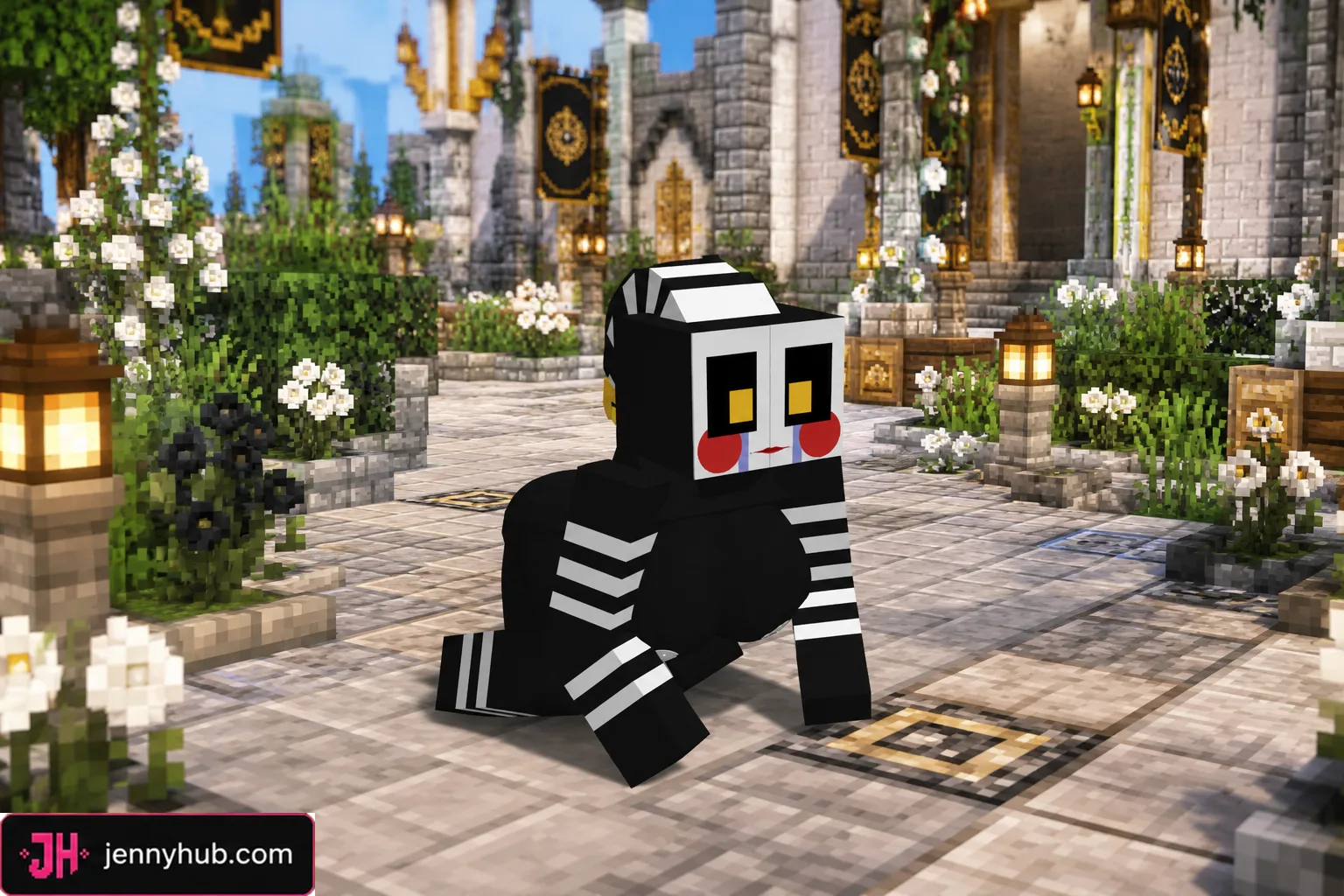
The collection covers fantasy, game-inspired and seasonal styles. Its 14 themes include Beedrill, Clipsy, Female Allay, Female Allay Allie, Fidget, FNAF SL Pack, Haloweenie, Lahla, Moon, Navi Zelda, Poisonous, Sun, Tatsumaki and Tinker Bell. Each theme has an HD edition for richer detail and a Lite edition intended as the lighter alternative.
- 14 distinct Bee model themes
- 14 HD
.mcpackreplacements - 14 Lite
.mcpackreplacements - 28 selectable packages in total
- Preview images for comparing the models in-game
HD and Lite editions
Choose HD when visual detail is your priority and your device comfortably handles larger resource packs. Choose Lite when you want the same named theme in a more compact package. Both lists follow the same model lineup, so you can select an edition based on your device rather than giving up the style you want.
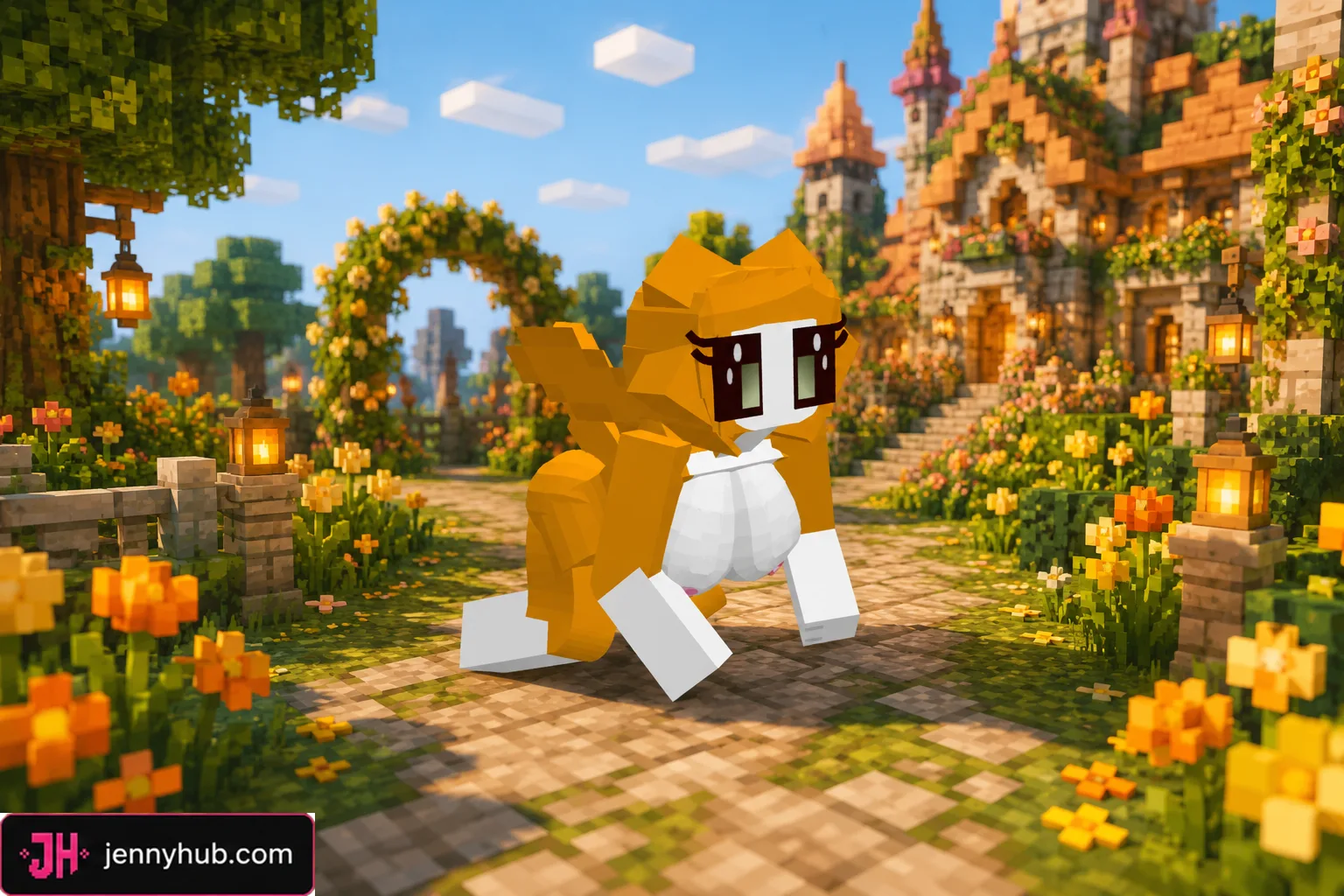
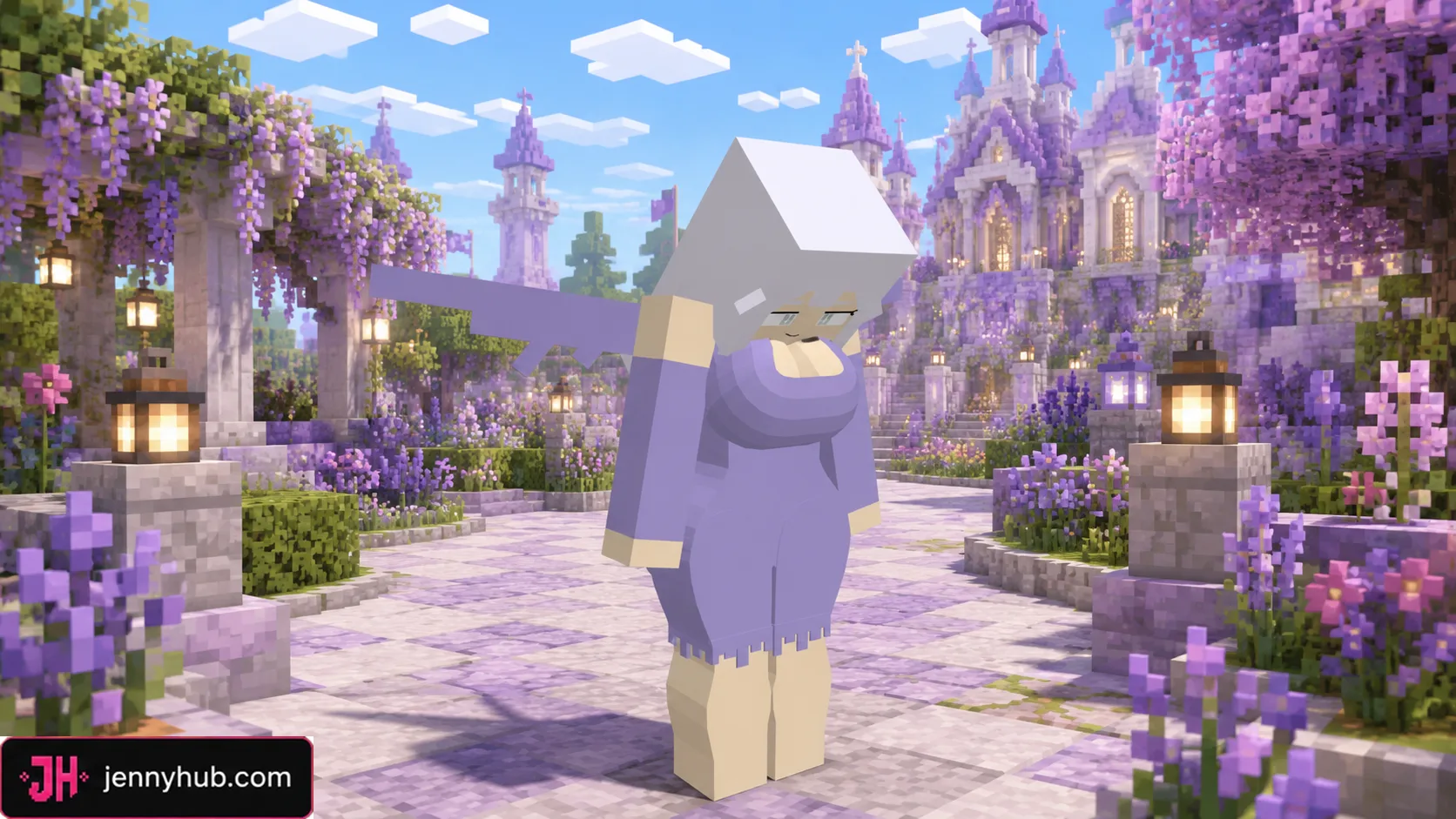
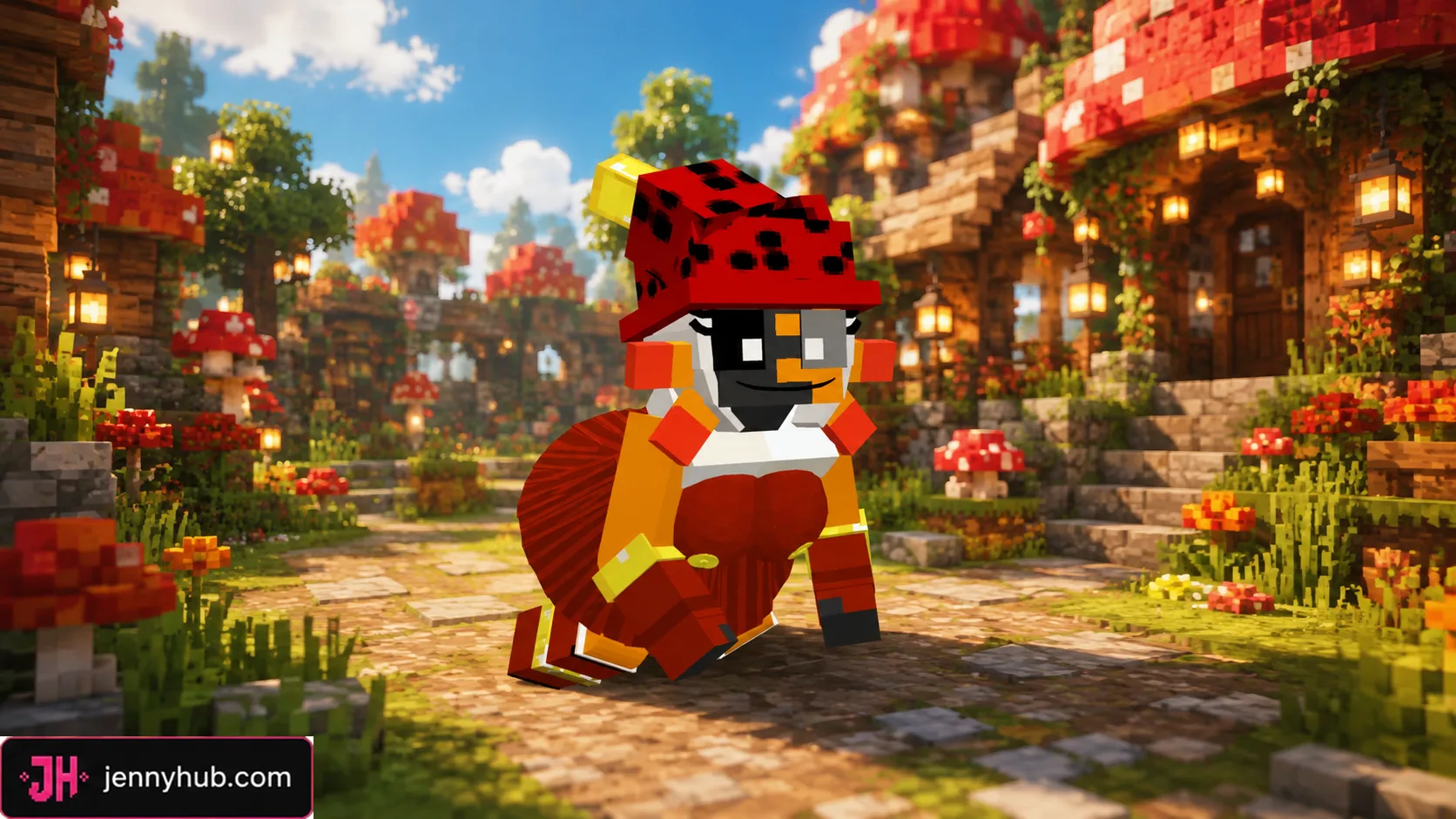
Choose one Bee appearance
Each file changes the same Bee character slot. For the cleanest setup, activate only one Bee replacement at a time. If you want to switch designs, disable the current Bee resource pack before enabling another one. The package names match the themes displayed in the download list.
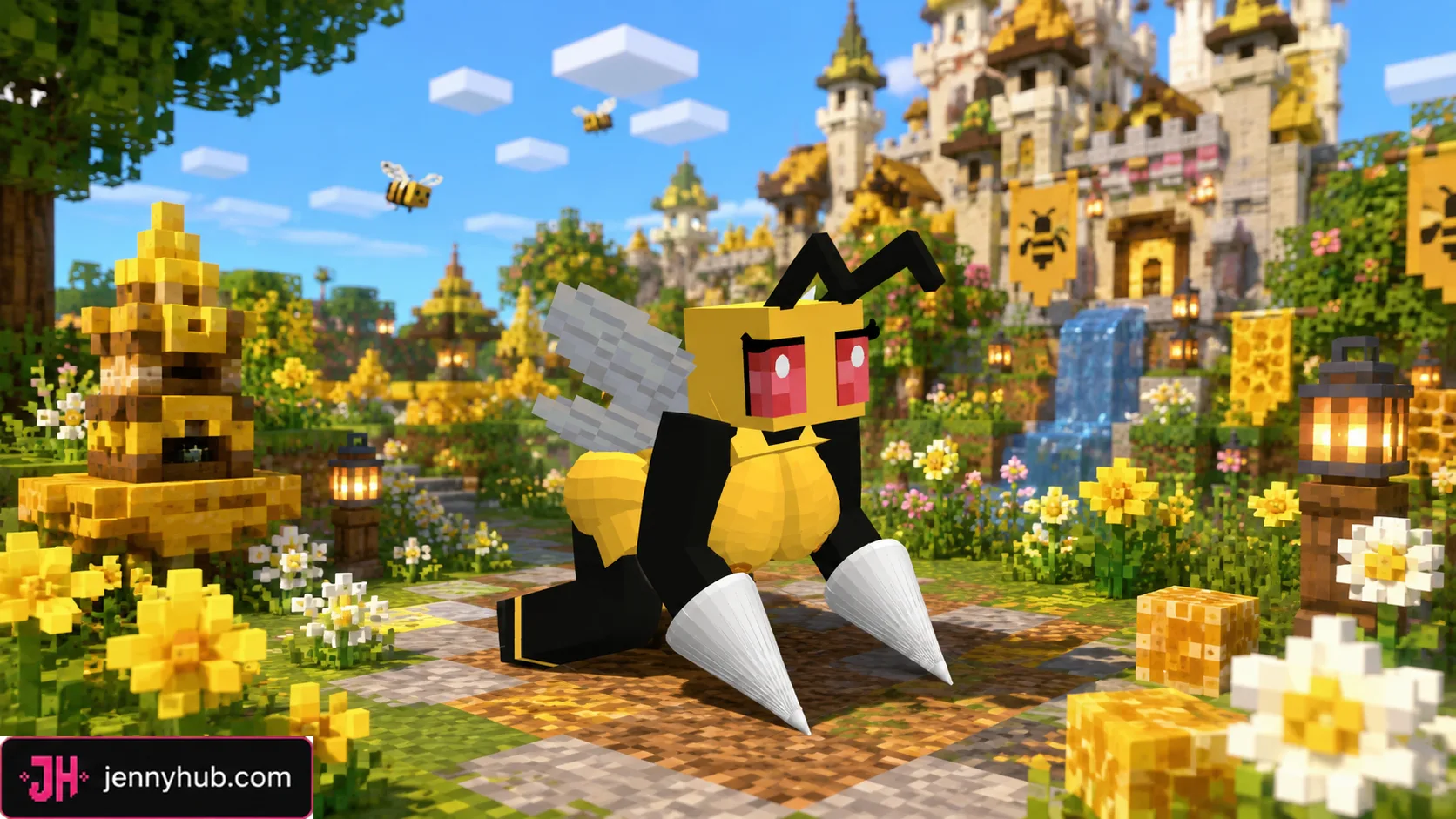
How to use a Bee .mcpack
- Install the compatible base Jenny Mod for Minecraft PE or Bedrock.
- Choose one Bee model and decide between its HD and Lite editions.
- Download the selected
.mcpackfrom the maintained JennyHub page. - Open the package with Minecraft and wait for the import message.
- Activate the imported resource pack in the same world where the base mod is enabled.
- Keep only one Bee replacement active if multiple packs affect the same model.
If the original appearance remains visible, move the selected Bee pack above conflicting resource packs in the world settings, then reload the world. On lower-memory mobile devices, the Lite edition is the sensible first choice.
Compatibility and download source
The files use the Bedrock .mcpack format used by Minecraft PE on Android, iOS and Windows. They require the related base mod because the packages replace Bee’s resources instead of adding the full character logic on their own. Back up important worlds before changing active resource packs.
Every download button below continues to the JennyHub Bee Pack page, where all 14 HD and 14 Lite packages are maintained. Modstr presents the catalogue and does not host duplicate copies of these files.
Bee Pack FAQ
Is the Bee Pack a standalone mod?
No. It is a set of visual replacement packs for the Bee character and requires the compatible base add-on.
What is the difference between HD and Lite?
HD prioritizes higher-detail resources, while Lite provides a smaller alternative for devices where performance or storage matters more.
Can several Bee models be enabled together?
They target the same character appearance, so using one Bee replacement at a time avoids resource conflicts.
DOWNLOAD FILES
- mcpack
- mcpack
- mcpack
- mcpack
- mcpack
- mcpack
- mcpack
- mcpack
- mcpack
- mcpack
- mcpack
- mcpack
- mcpack
- mcpack
- mcpack
- mcpack
- mcpack
- mcpack
- mcpack
- mcpack
- mcpack
- mcpack
- mcpack
- mcpack
- mcpack
- mcpack
- mcpack
- mcpack