
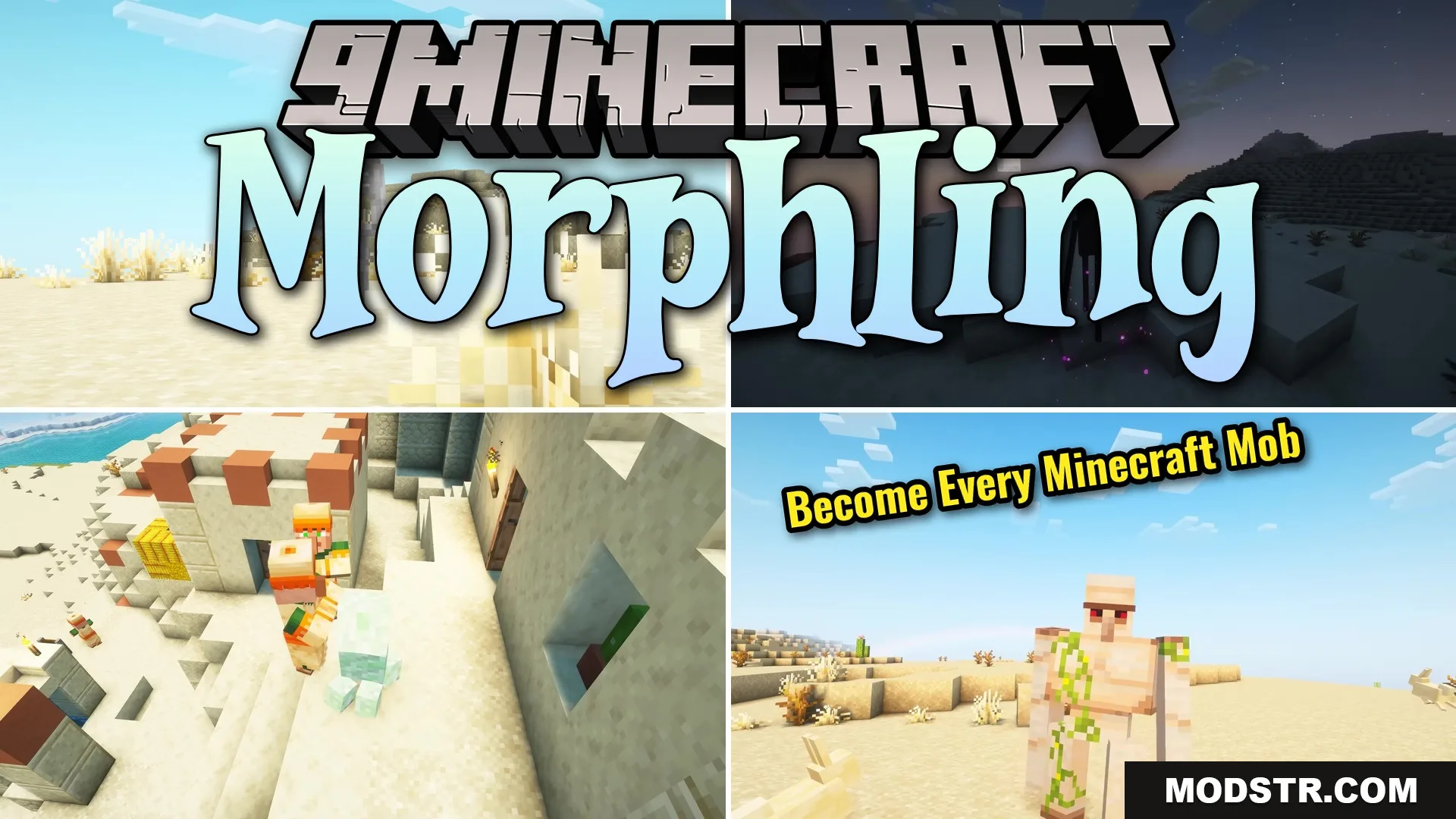
Morphling Mod (26.1.2) – Fly, Fight, and Survive As Any Minecraft Mob
Transform into any Minecraft mob with accurate sizes, hitboxes, sounds, and special abilities. Fly as a parrot, explode as a creeper, teleport as an enderman, and more.
- Fabric
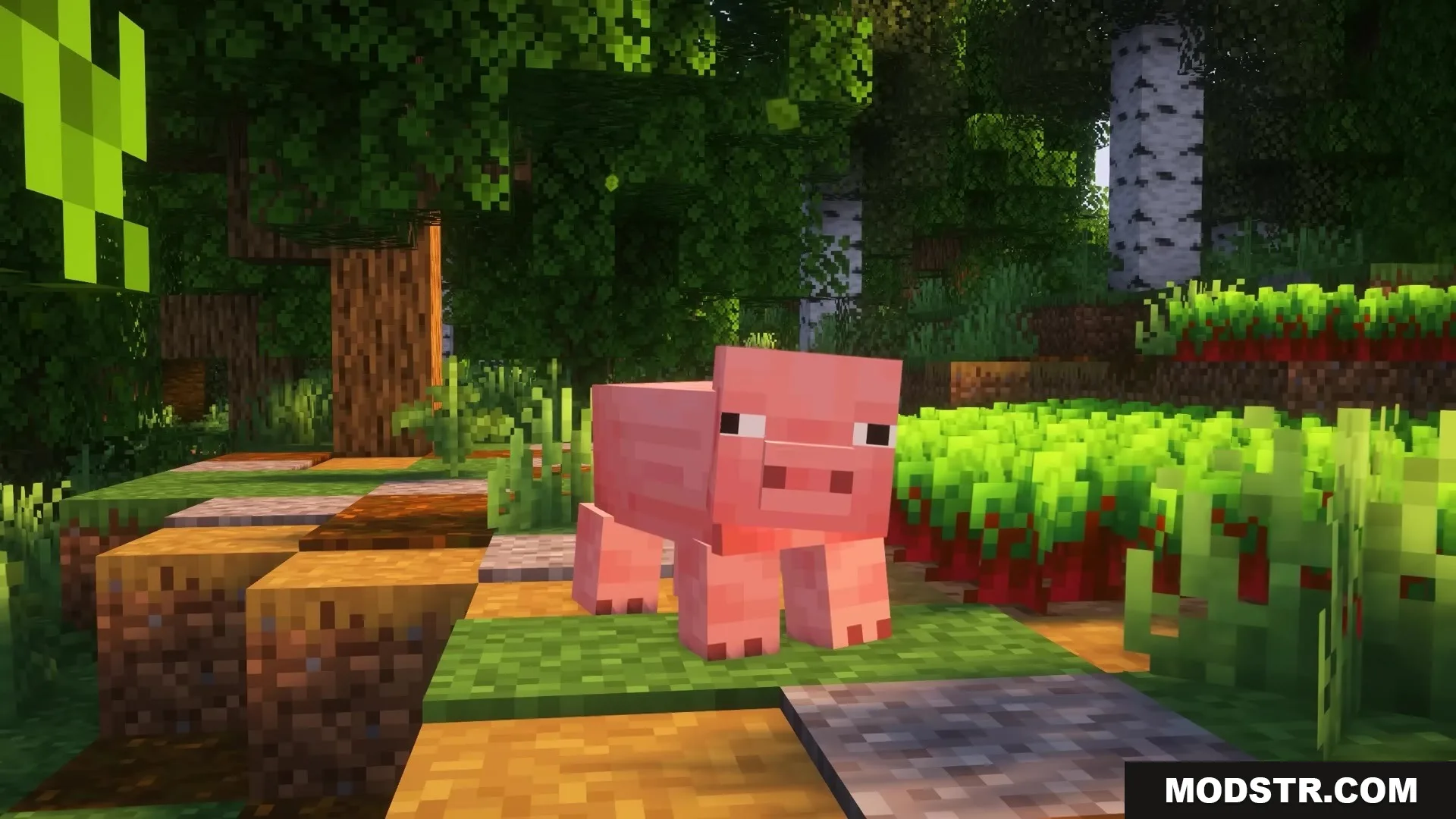
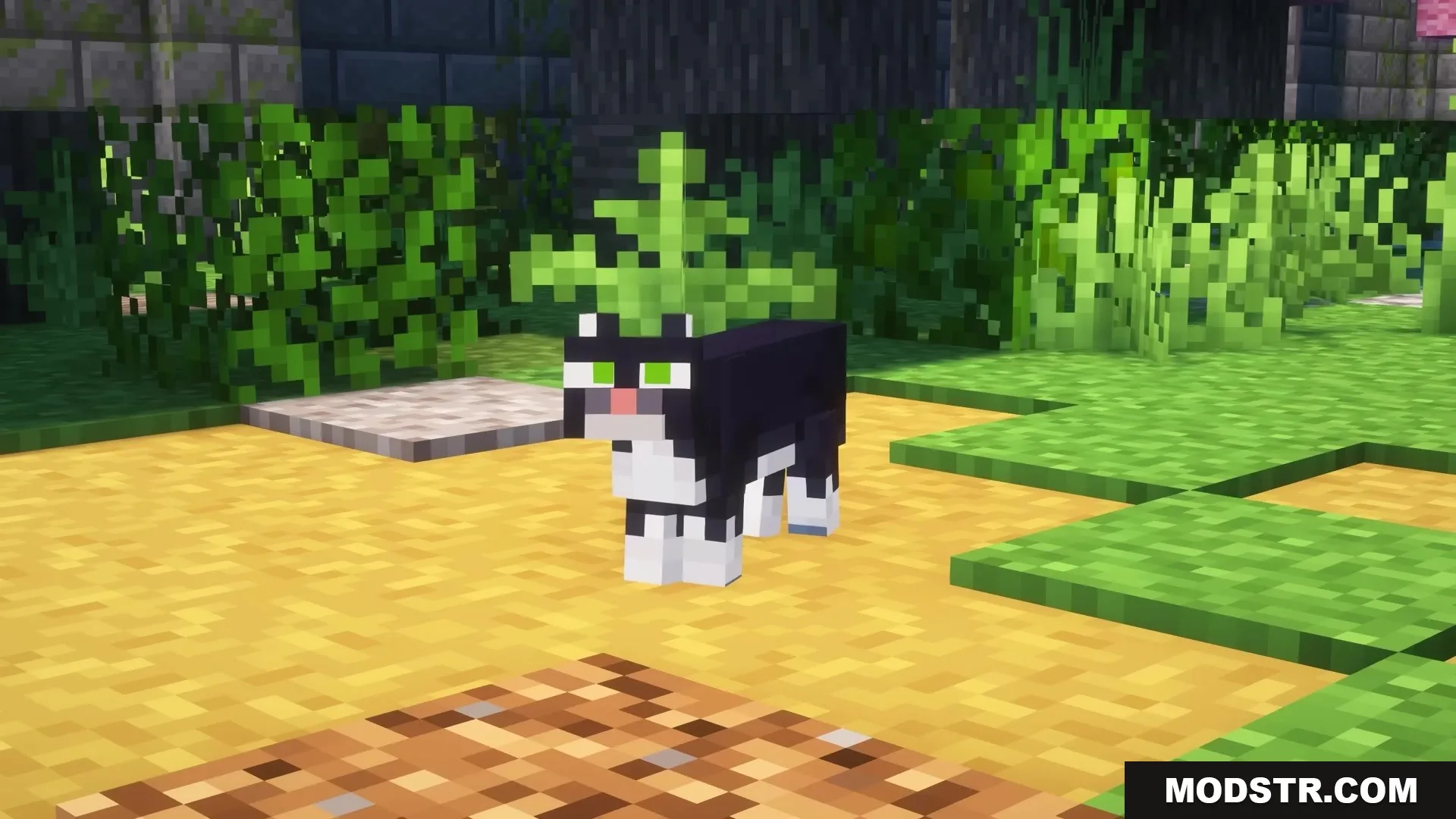
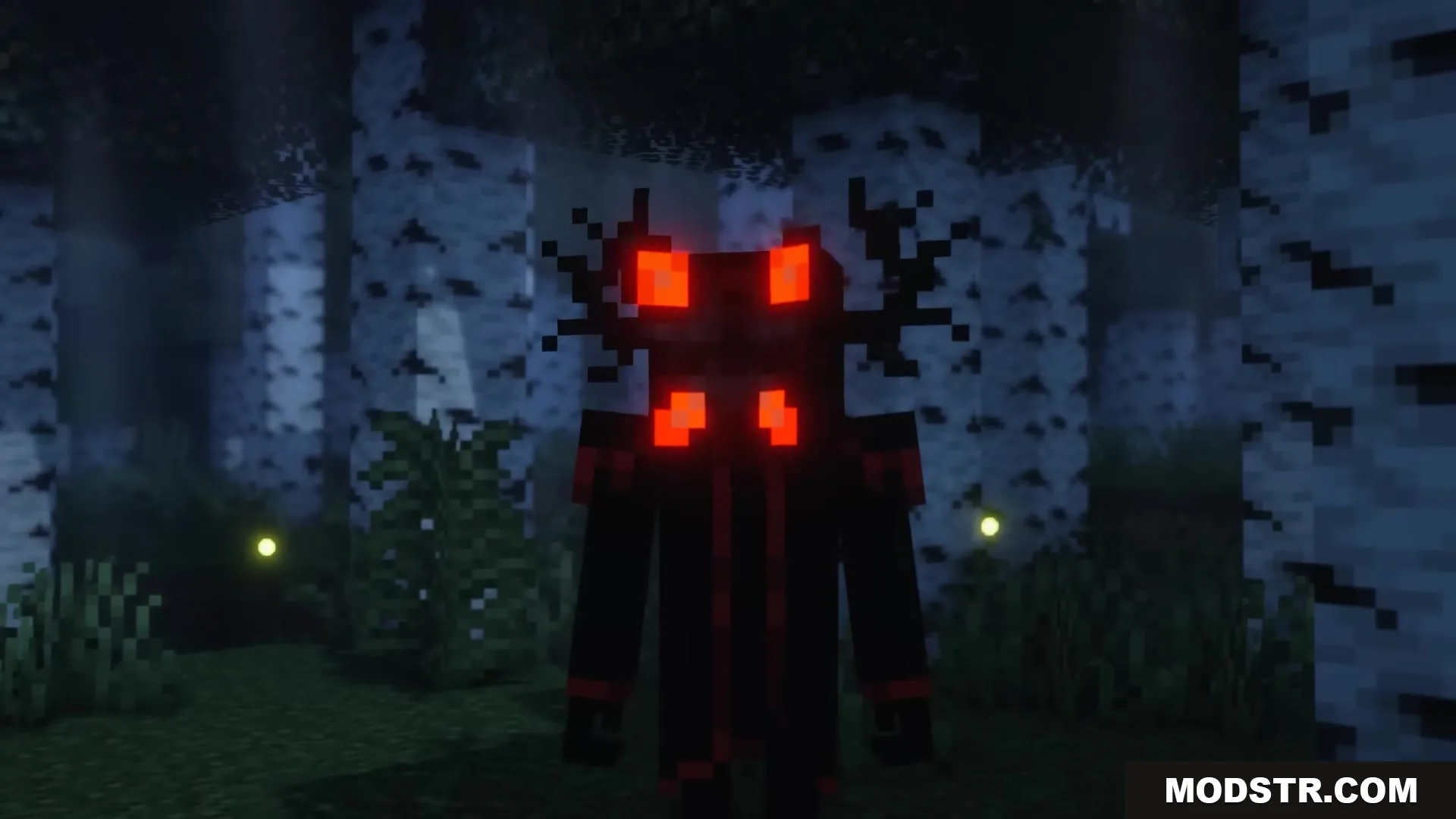
Morphling Mod lets you transform into Minecraft mobs and creatures with full mechanical accuracy. When you morph, you gain the exact size, hitbox, sounds, and special abilities of your chosen form. Your selected transformation persists in each world so you don't lose it when you log out.
Features
- Transform your player model into any Minecraft mob or creature.
- Adopt the real size and hitbox of each creature, allowing small forms to squeeze through tight spaces.
- Play authentic creature sounds when walking, attacking, or activating abilities.
- Access unique special abilities tied to each mob type.
- Select different color and style variants for certain animals through a palette menu.
- Play mini-games like arena fights and trivia while transformed.
Mob Abilities
Flying and Gliding: Parrots fly freely and copy hostile monster sounds. Bees fly and sting targets with poison. Chickens descend slowly and lay eggs.
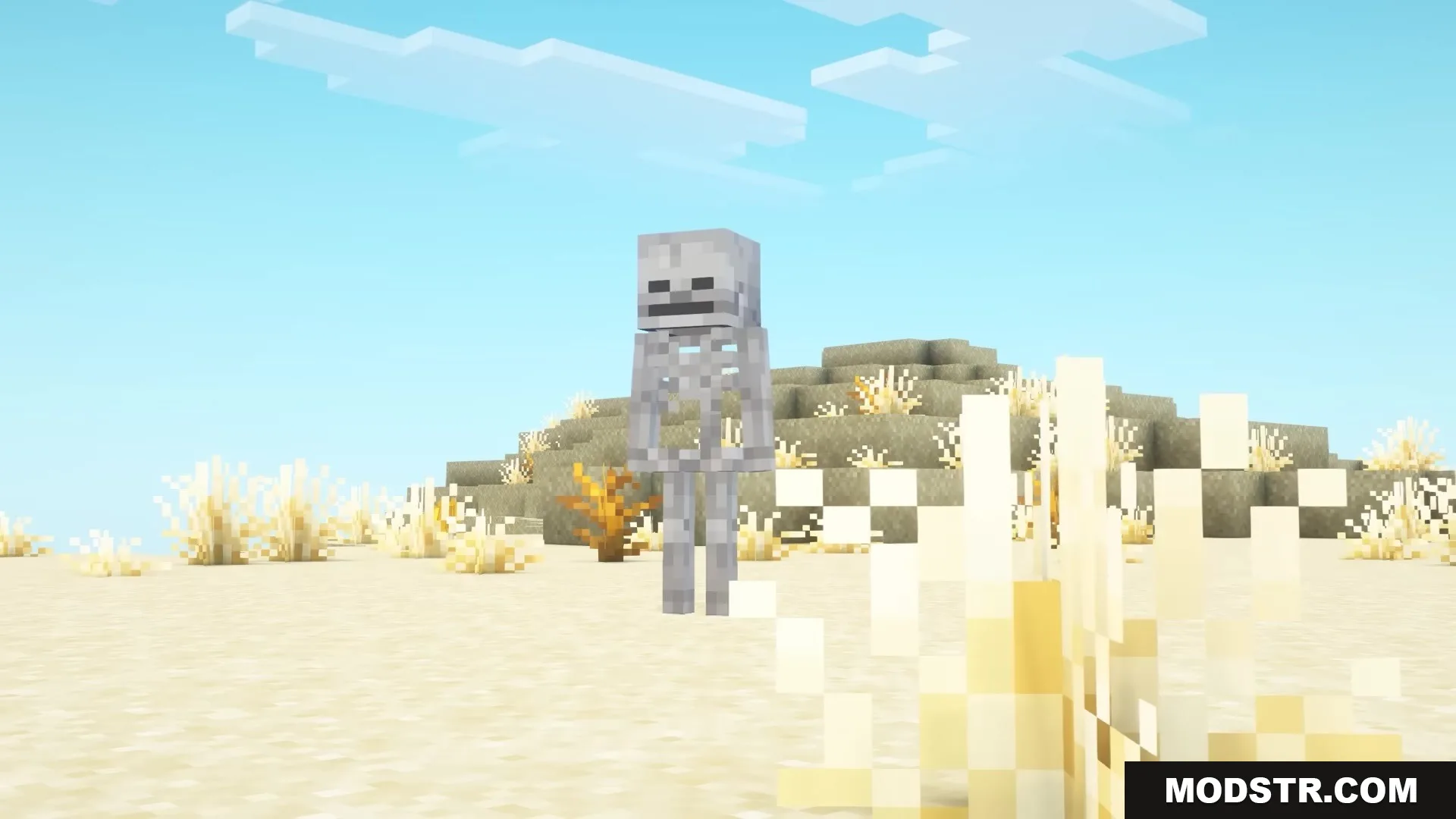
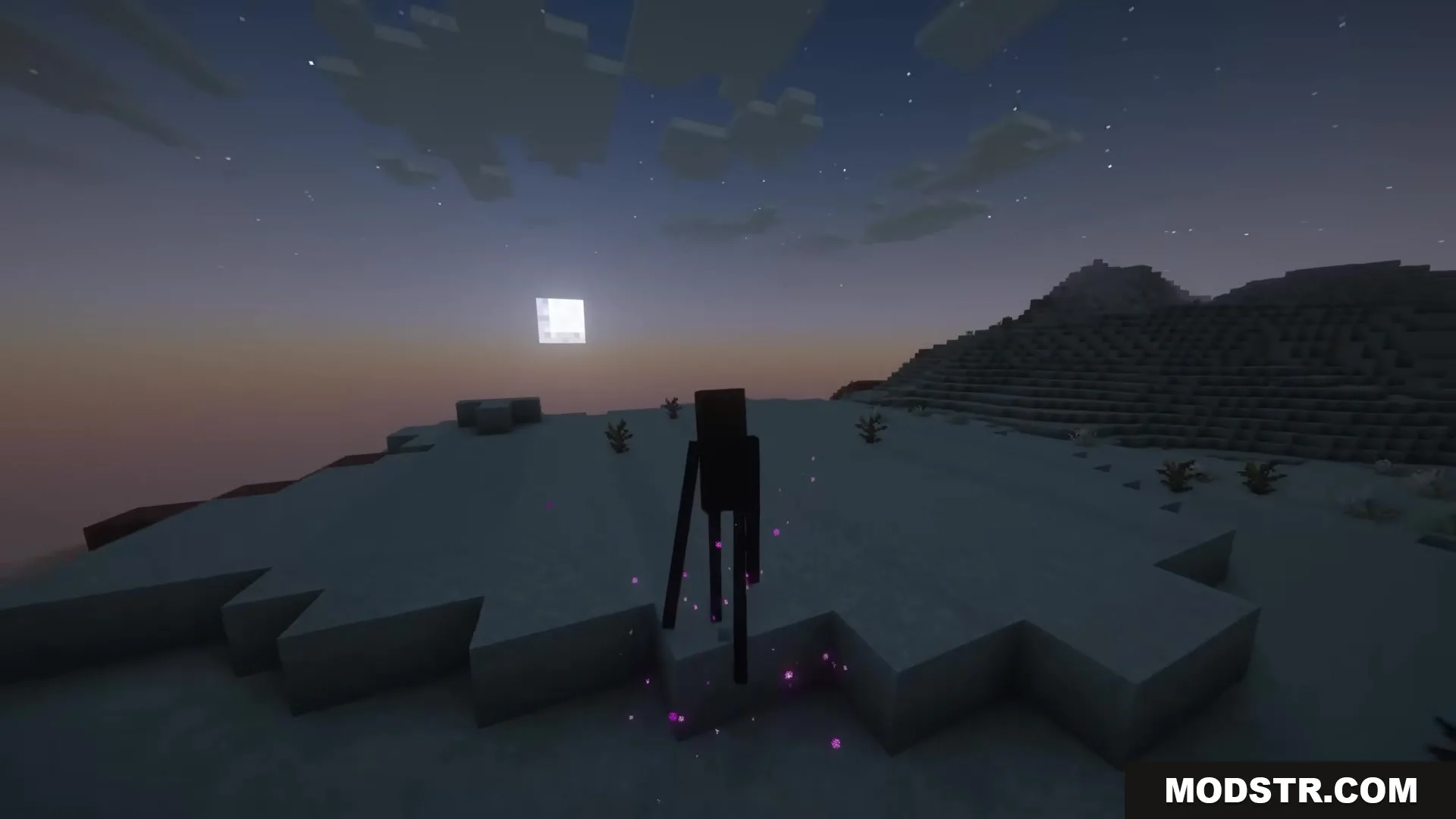
Hostile Powers: Creepers hiss and explode on command. Skeletons gain a bow with infinite arrows. Endermen teleport, carry blocks, and enter angry mode, but take water damage.
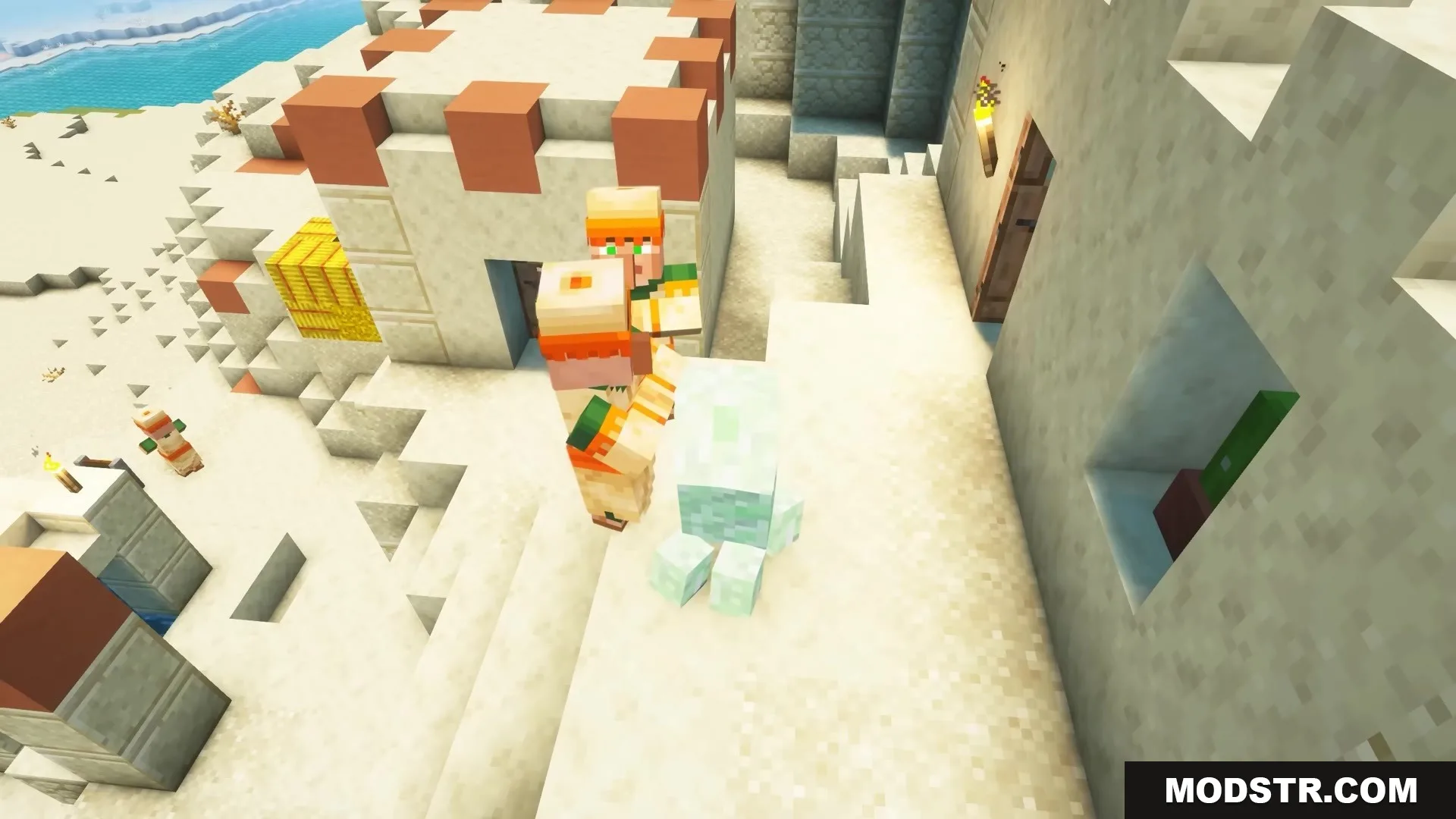
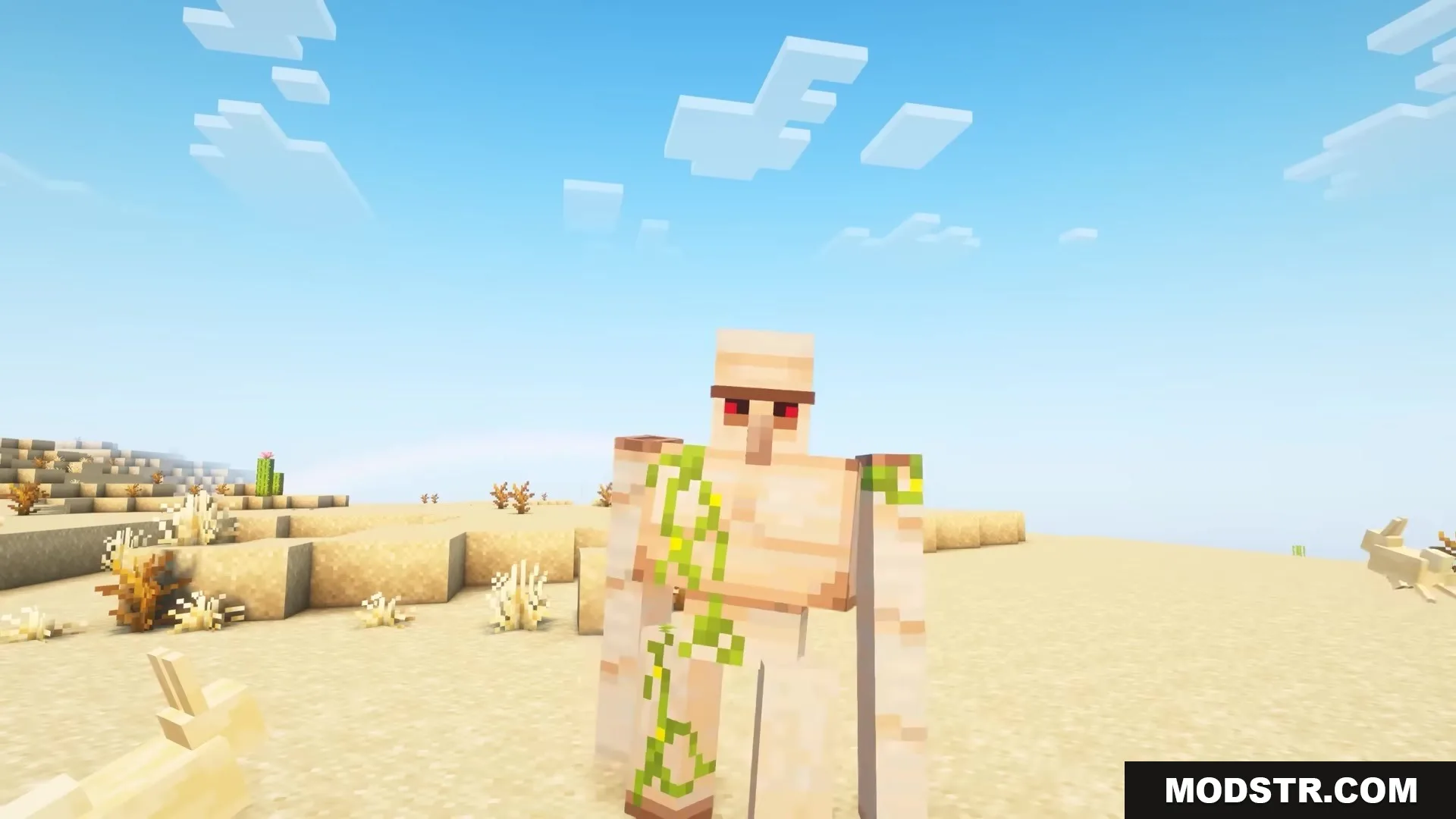
Animal Skills: Sheep and horses eat grass to heal. Iron Golems slam to knock back enemies. Axolotls and frogs breathe underwater and perform special jumps or grabs.
Installation
- Download the mod file for your game version.
- Place the file in your mods folder.
- Launch Minecraft with the appropriate mod loader installed.
- Create or load a world to begin using the mod.
Controls
- Press G to open the transformation menu.
- Click a mob image to transform into that creature.
- Press R to activate your main special ability.
- Press B to produce your creature's natural sound.
- Hold Shift or Ctrl with ability keys to trigger additional tricks for certain mobs.
DOWNLOAD FILES
- jar