
Zelith Client Mod (1.21.11) – Dominate PvP and Find Hidden Server Bases
Client mod for 1.21.11 with PvP tools, combat assists, and utilities for Minecraft multiplayer. Features ClickGUI menu, ESP, auto-totem, crystal placement, and server detection.
- Fabric
- 1.21.11
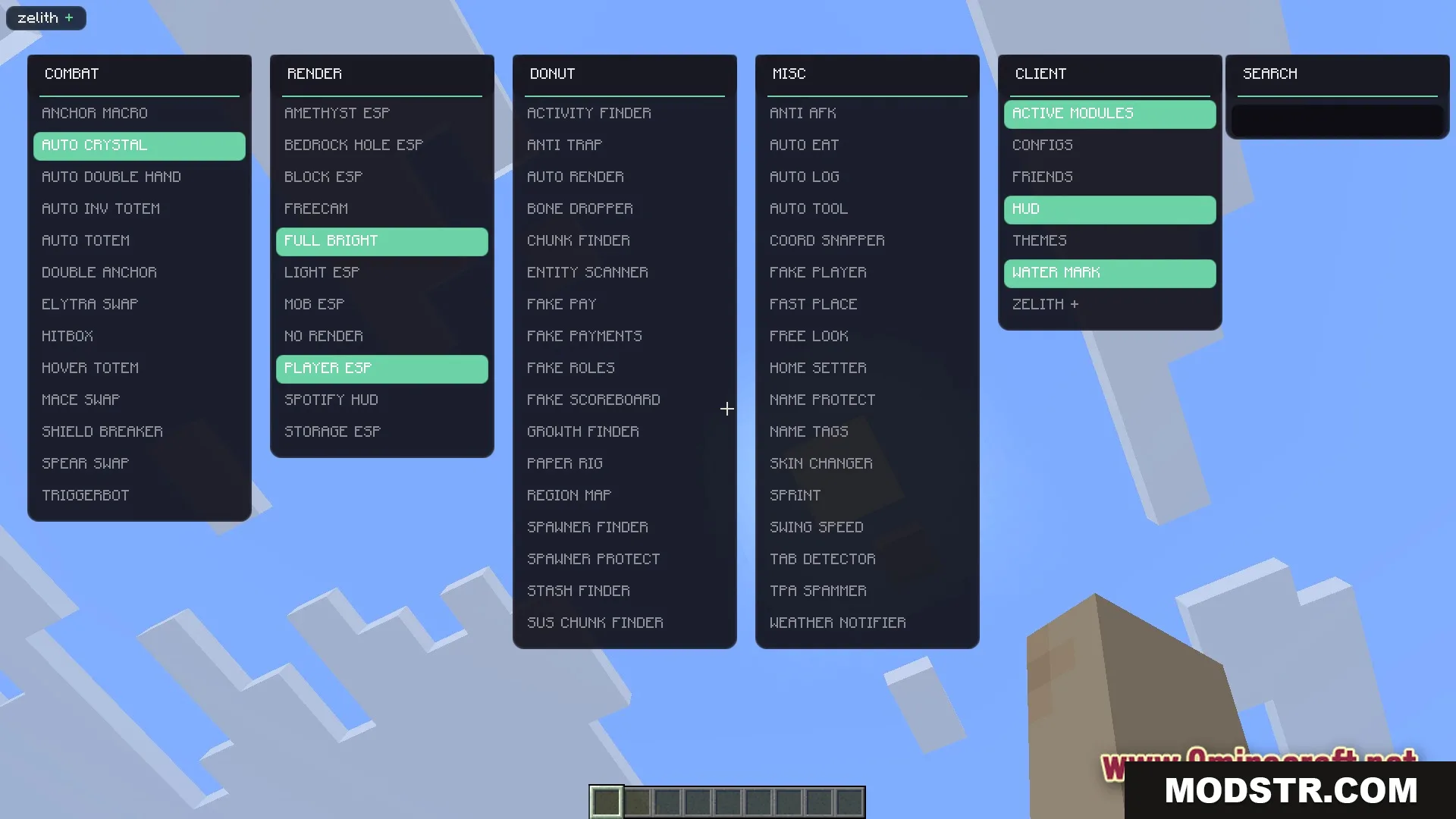
Zelith Client Mod is a utility mod that provides a collection of tools for PvP combat, navigation, and server gameplay. It offers a configurable menu system to toggle various features on demand, suited for players looking to enhance their competitive edge or automate repetitive tasks.
Features
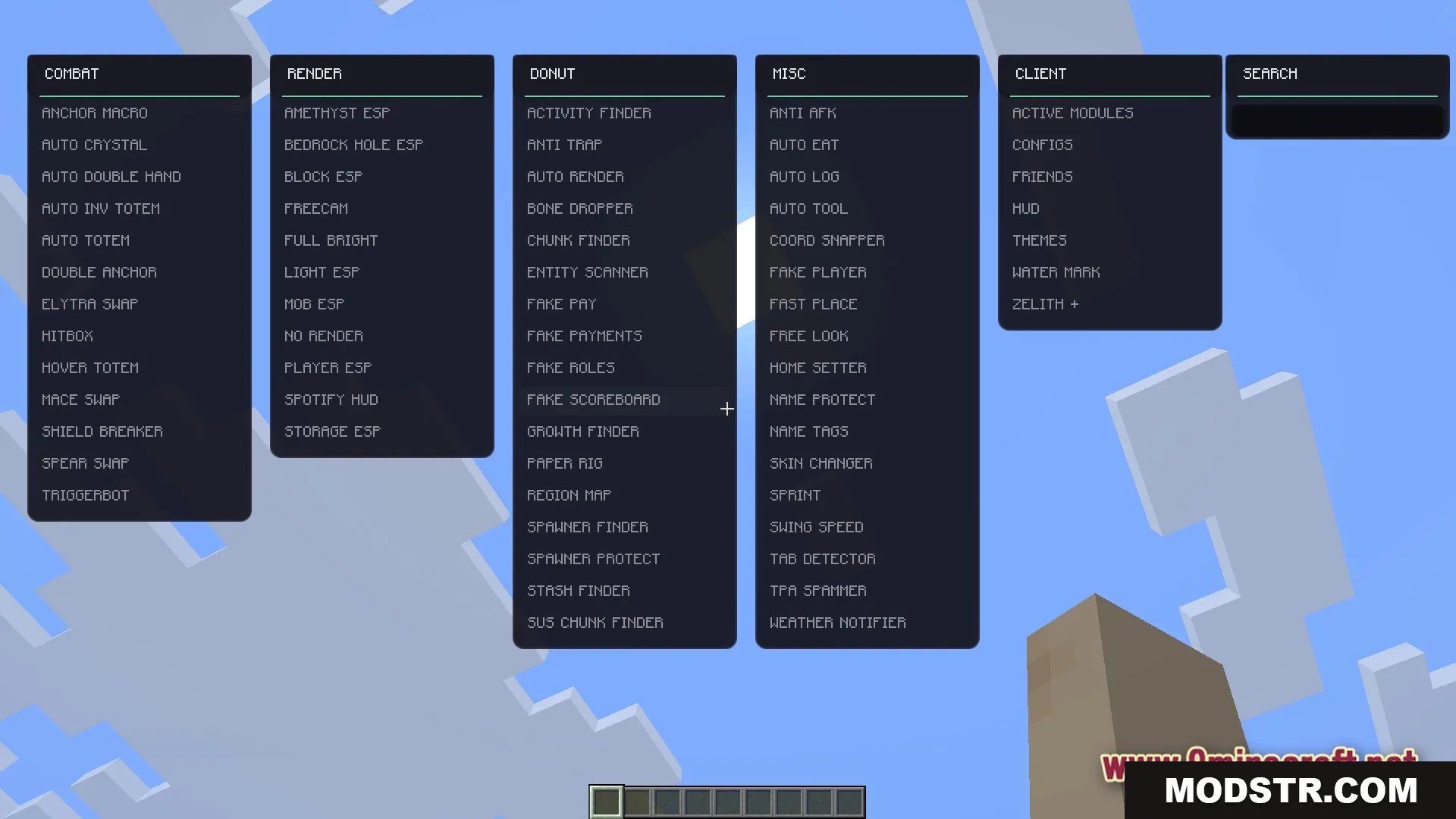
- ClickGUI menu accessible via Right Shift to control all mod features.
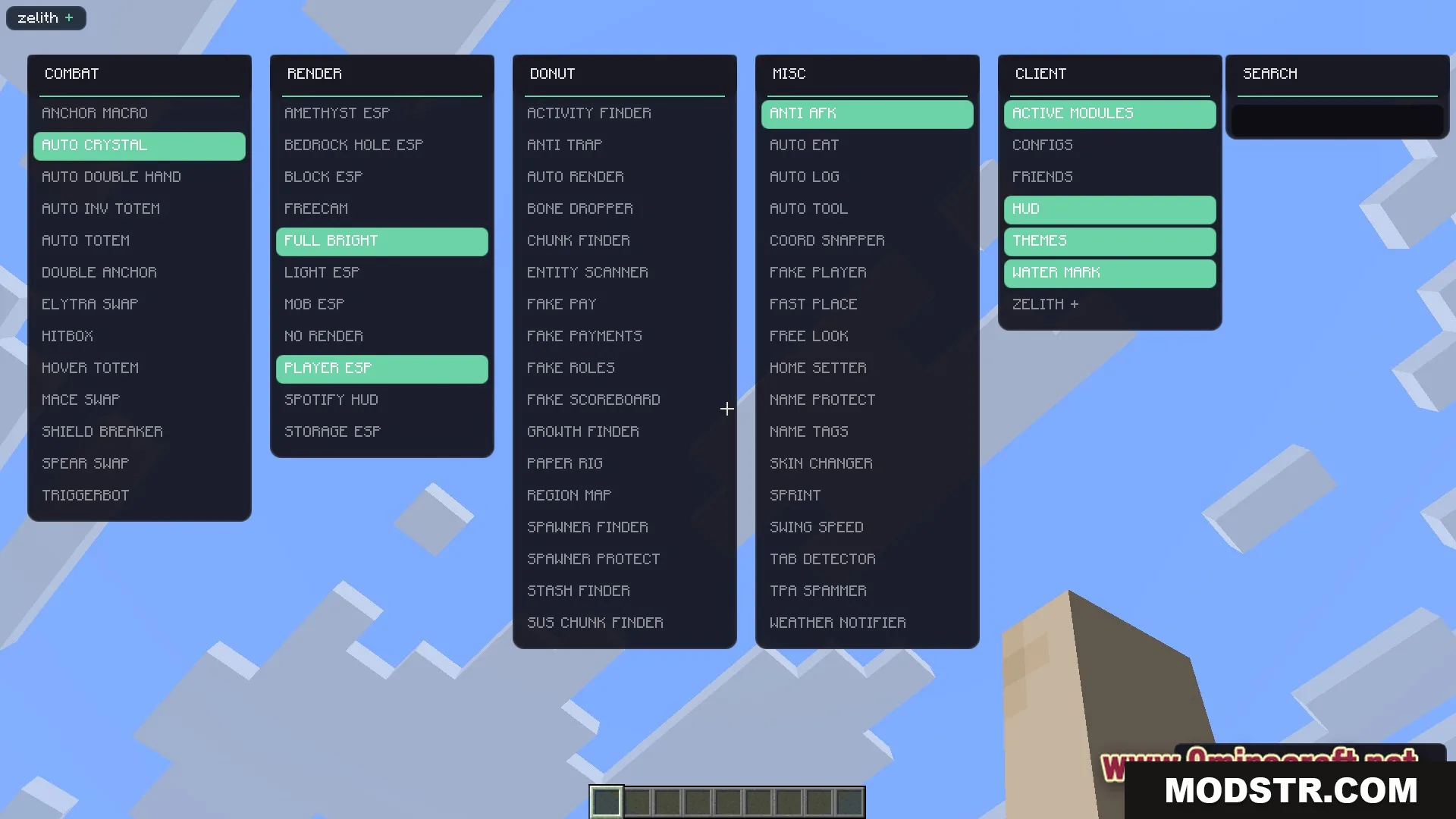
- Custom theme options to personalize the menu appearance.
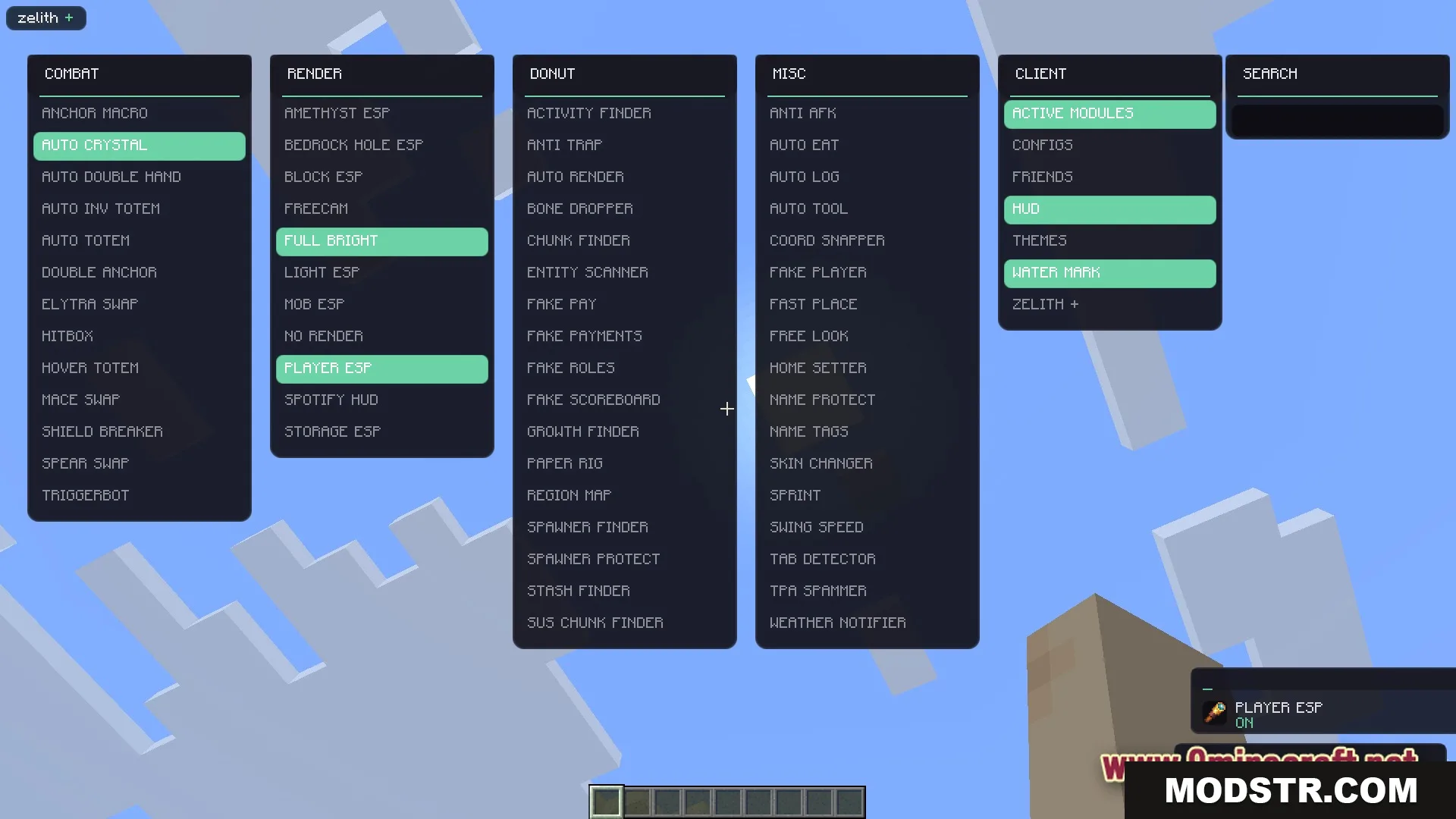
- On-screen notifications when tools are toggled on or off.
- Settings profiles to save and reload preferred configurations.
- Active tool status display showing currently enabled features.
Combat Tools
- Automatic end crystal placement and destruction during fights.
- Auto-totem that equips totems before fatal damage.
- Entity hitbox visualization for improved targeting accuracy.
- Quick weapon switching for maces, spears, and elytras.
Render Tools
- Entity and block highlight rendering to identify targets through walls.
- Full brightness mode to illuminate caves and dark areas.
- Free camera allowing independent camera movement from player position.
- Spotify integration displaying currently playing tracks in-game.
Server and Utility Tools
- Base finder to locate hidden structures, spawners, and chests on servers.
- Auto-eat function that consumes food when hunger is low.
- Auto-tool switching to select appropriate tools for different block types.
- Anti-AFK to prevent disconnection while idle.
Installation
- Launch Minecraft and load into your world or server.
- Press Right Shift to open the mod menu.
- Navigate to categories such as Combat or Render to view available tools.
- Click individual tools to enable or disable them.
- Close the menu and play with active features.
DOWNLOAD FILES
- jar