
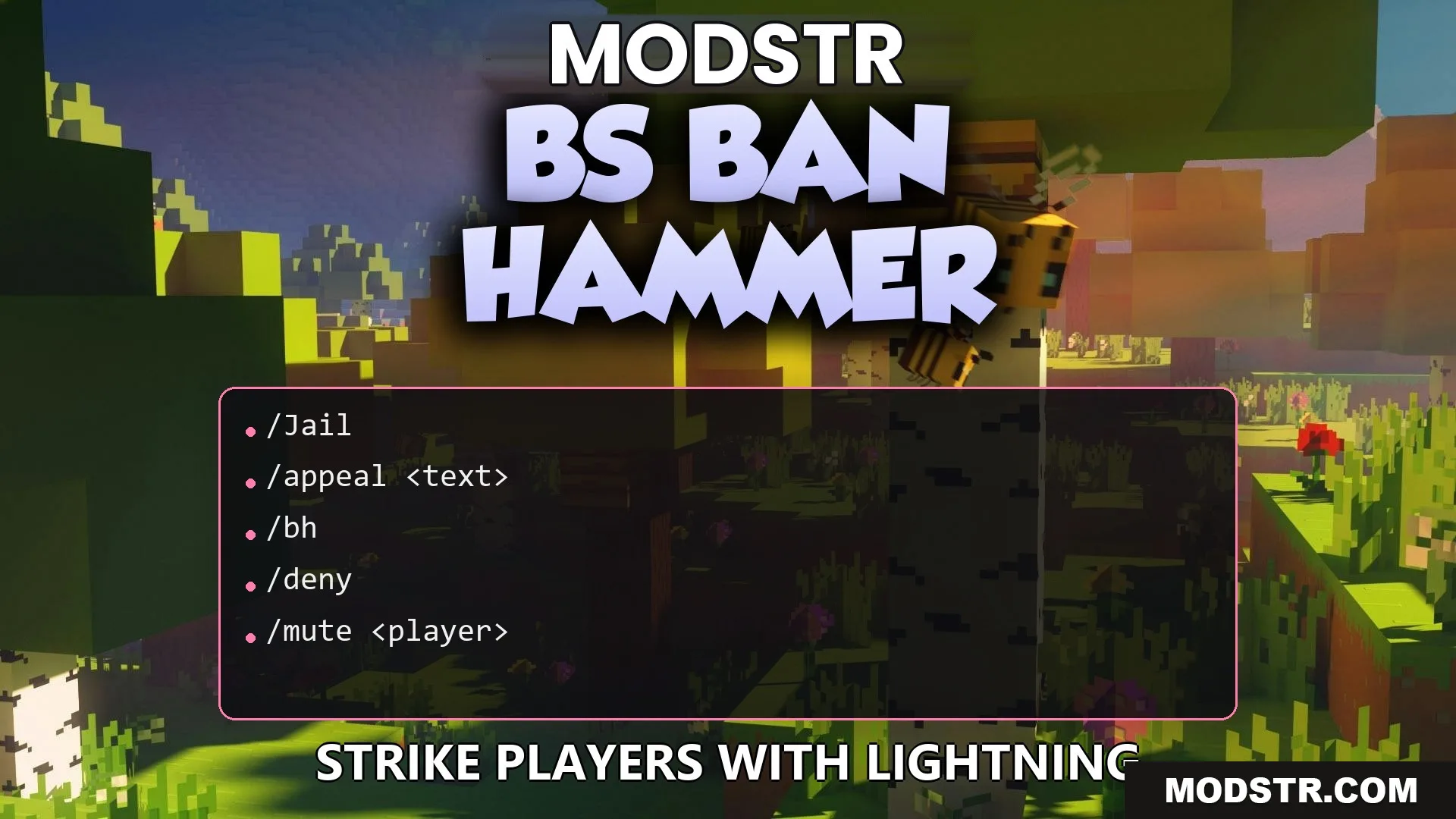
BS Ban Hammer Plugin (26.2, 1.21.1) – Strike Down Rulebreakers to Keep
The BS Ban Hammer Plugin allows server staff to impose punishments on players using a physical item. It includes features like lightning strikes, sound effects, and a history tracking system for all actions taken.
- 1.21 → 1.21.11 +12
Show all 12 versions
- 1.21.11
- 1.21.10
- 1.21.9
- 1.21.8
- 1.21.7
- 1.21.6
- 1.21.5
- 1.21.4
- 1.21.3
- 1.21.2
- 1.21.1
- 1.21
The BS Ban Hammer Plugin provides server staff with a physical item to enforce rules and punish players. By using this plugin, staff can ban, kick, or jail rulebreakers instantly without needing to enter commands.
Features
- Dual-Action Presets: Shift-right-click to switch between ban types and shift-left-click for kick or jail options.
- Dramatic Effects: Punishments trigger lightning strikes, thunder sounds, and smoke particles.
- Staff members can right-click any player to instantly ban them utilizing the active preset.
- Left-clicking a player applies the current kick or jail preset immediately.
- All punishment actions are recorded in a database for easy reference.
- Automatically clears temporary bans, mutes, and jail sentences upon expiration.
- Includes a warning system that enforces bans after a set number of warnings.
- Players can submit unban requests with a simple command.
- Logs punishments in real-time to a Discord channel with color-coded messages.
- Compatible with the Essentials plugin for jail location integration.
Commands
- /bh give <player>: enables a player to receive the ban hammer item.
- /bh reload: reloads the plugin’s configuration files.
- /bh history <player>: retrieves prior punishments for a specified player.
- /bh unban <player>: lifts a ban on a player manually.
- /bh stats [player]: shows statistics regarding staff actions.
- /bh appeals: checks for any pending unban requests.
- /mute <player> <duration>: restricts a player from chatting.
- /jail <player> <duration>: incarcerates a rulebreaker temporarily.
- /warn <player> [reason]: issues a formal warning to a player.
Configuration
- presets: allows customization of ban types available in the plugin.
- kickJailPresets: provides instances for quick kick and jail options.
Example of setting up custom ban presets:
presets: warning: displayName: "Warning Ban" reason: "First offense" duration: "1h" ipBan: false sound: "BLOCK_NOTE_BLOCK_PLING" serious: displayName: "7 Day Ban" reason: "Serious rule violation" duration: "7d" ipBan: false sound: "BLOCK_NOTE_BLOCK_BASS"How to Use
- Use /bh give <player> to obtain the ban hammer item.
- Hold Shift and Right-Click to toggle through ban presets.
- Hold Shift and Left-Click to switch between kick and jail presets.
- Right-Click a player to ban them using the chosen ban preset.
- Left-Click a player to kick or jail them with the selected kick/jail preset.
DOWNLOAD FILES
- jar