
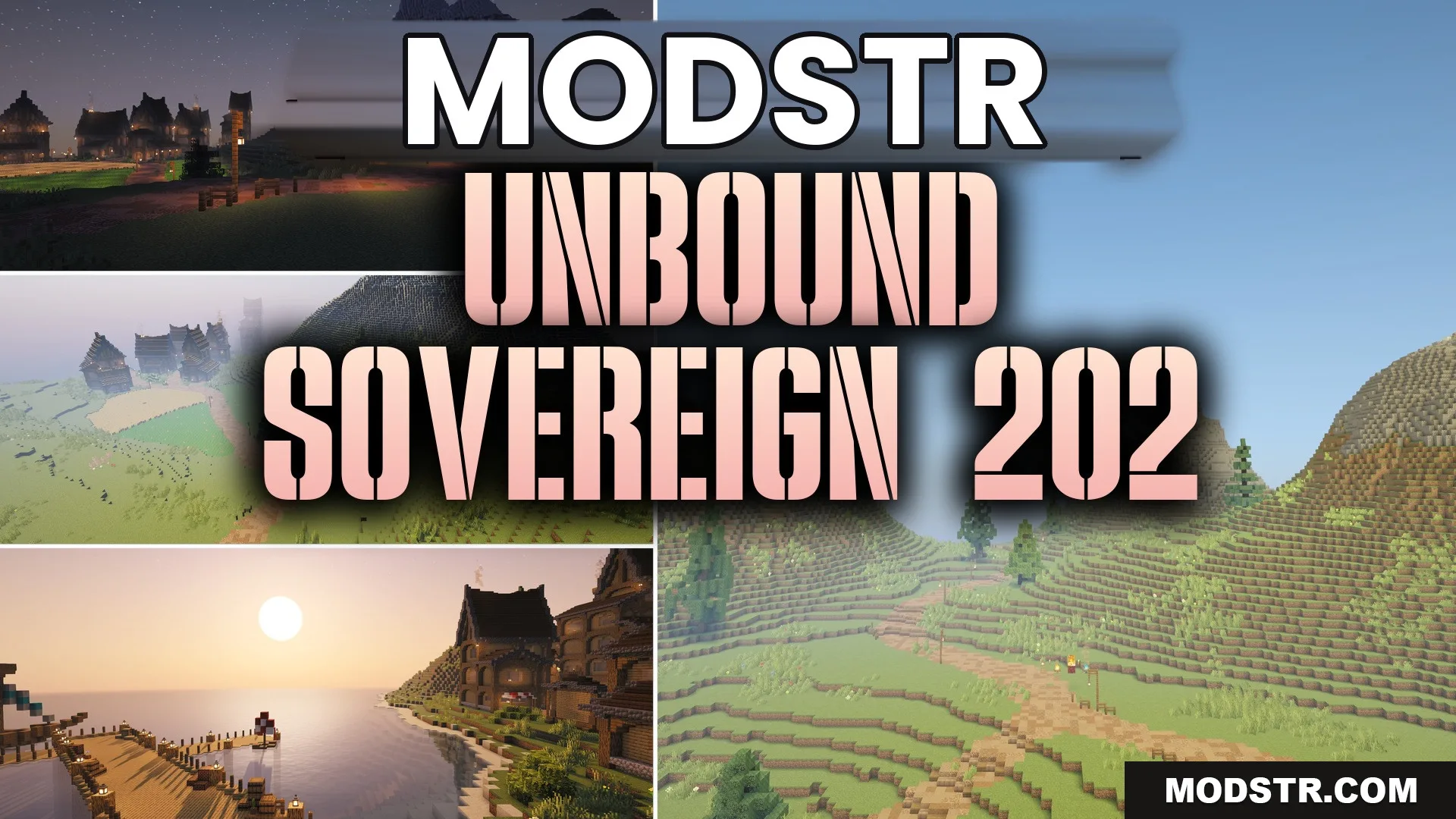
Unbound Sovereign 202 Shaders (26.2, 1.20.1) – Fantasy Modpack Color Grading
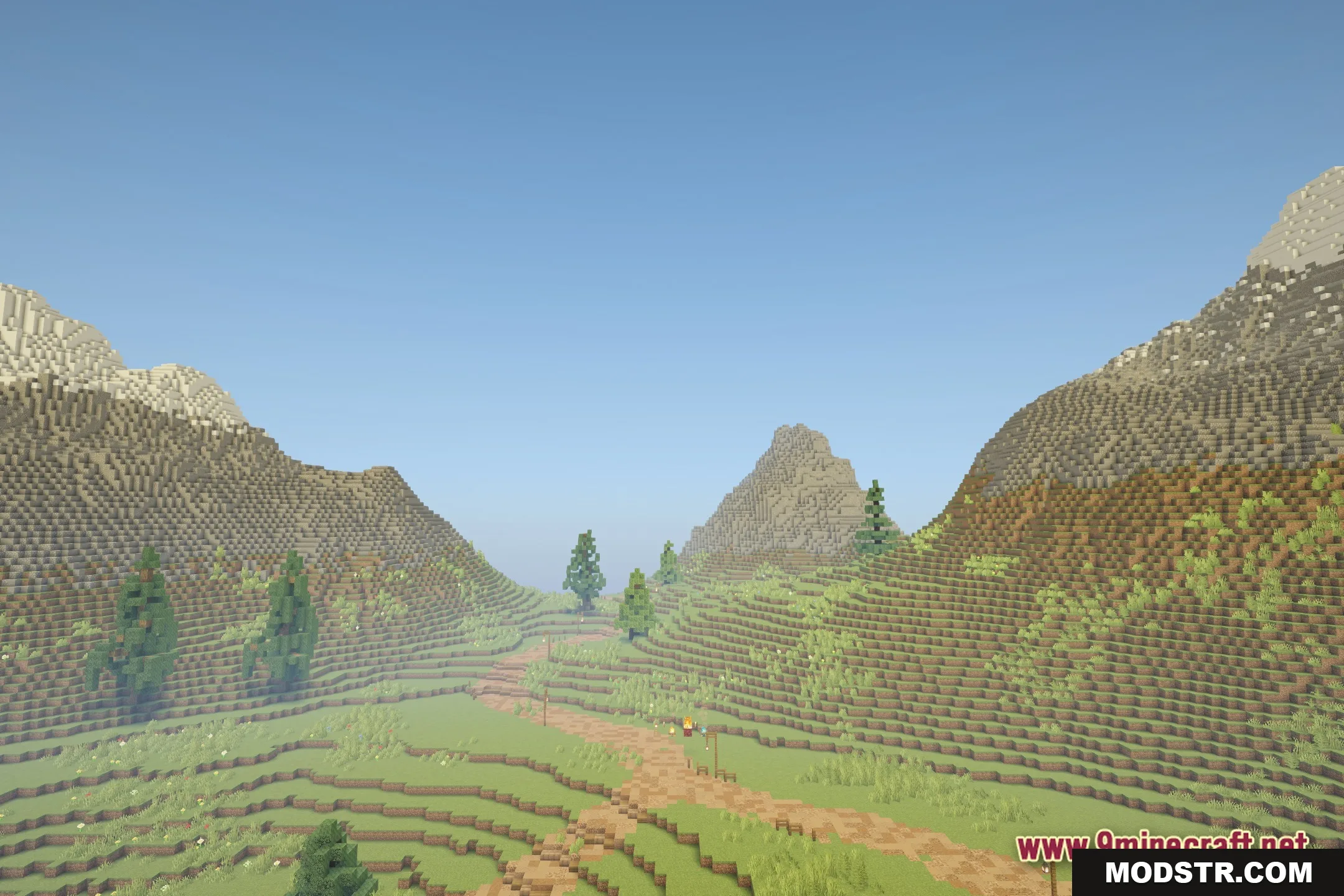
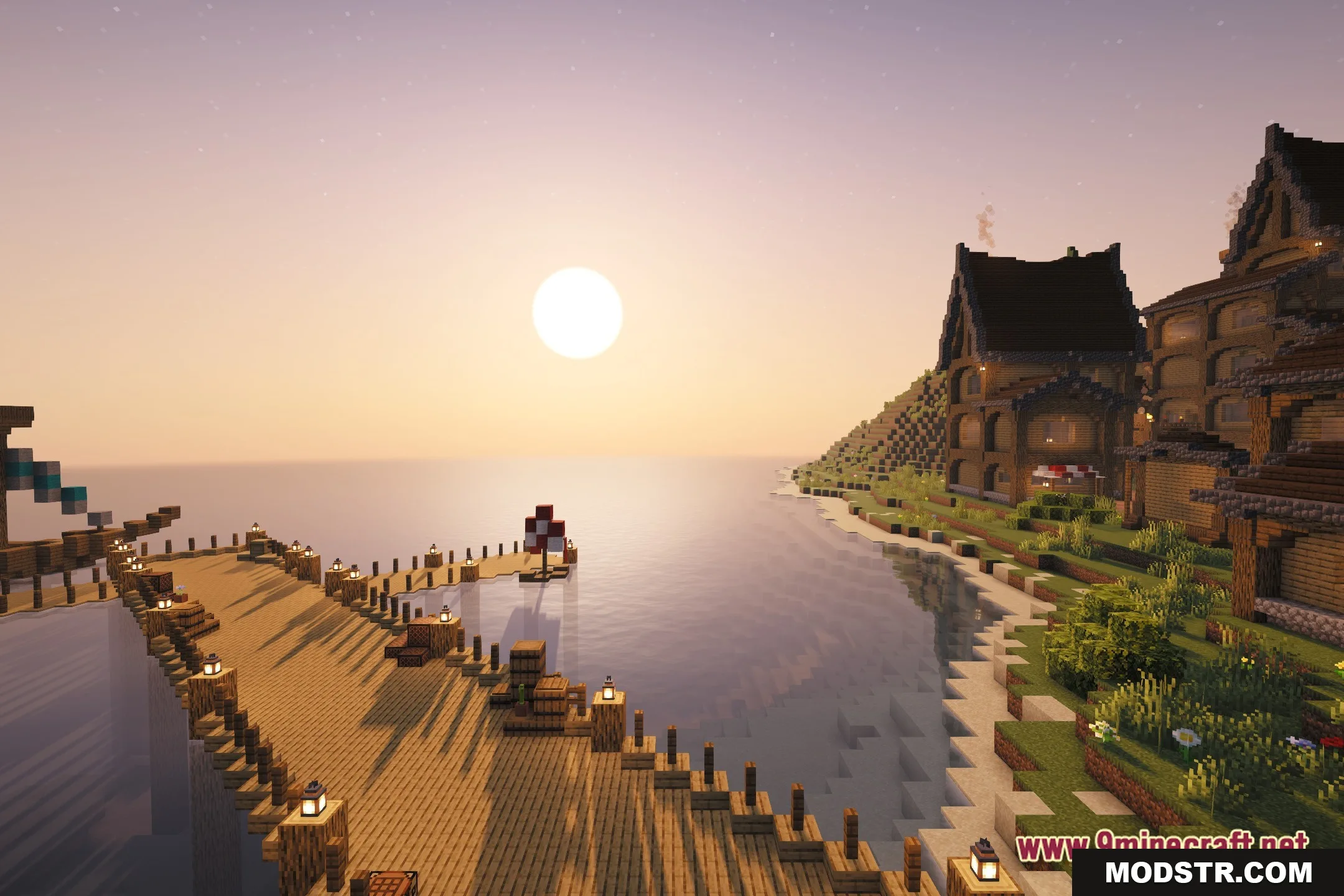
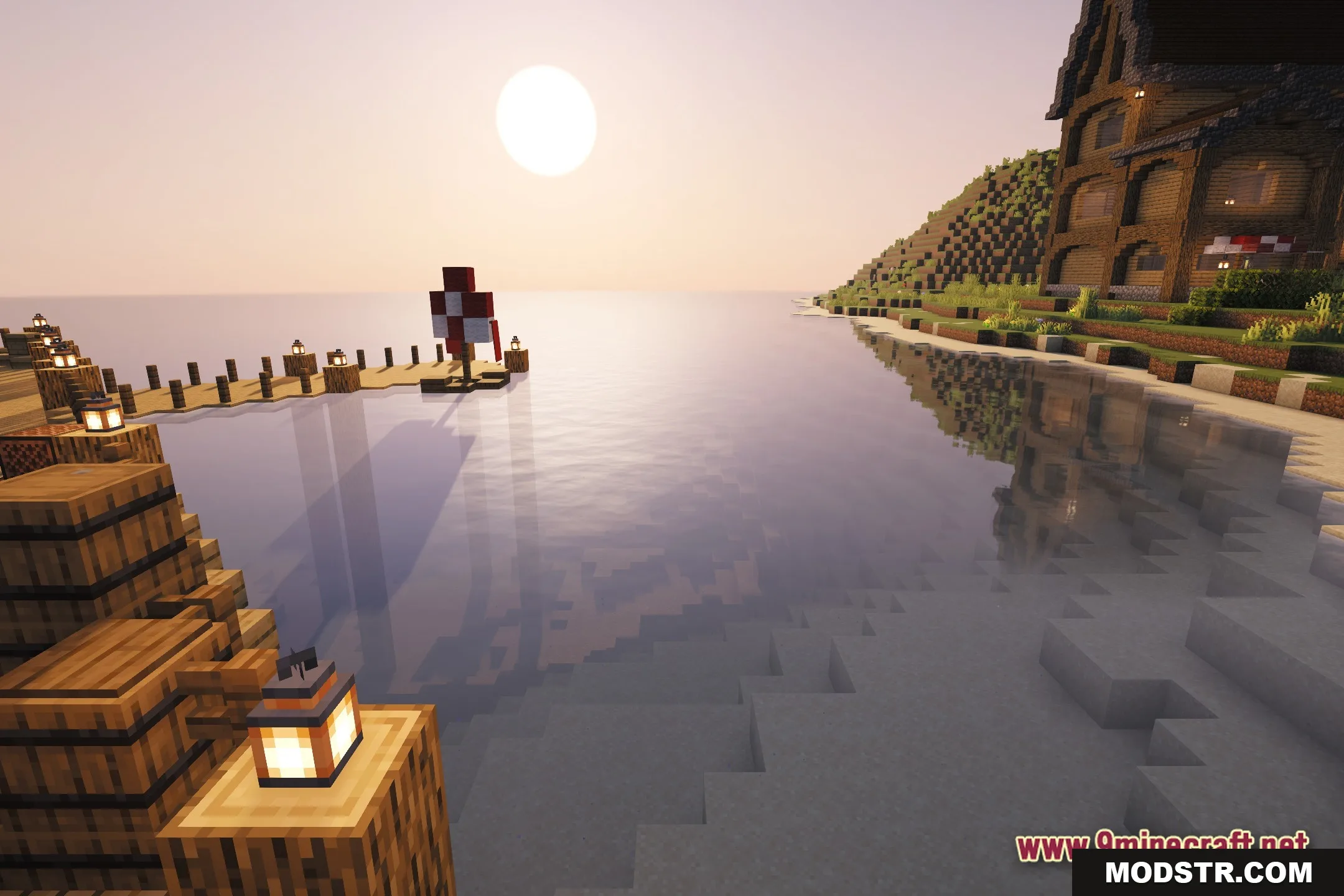
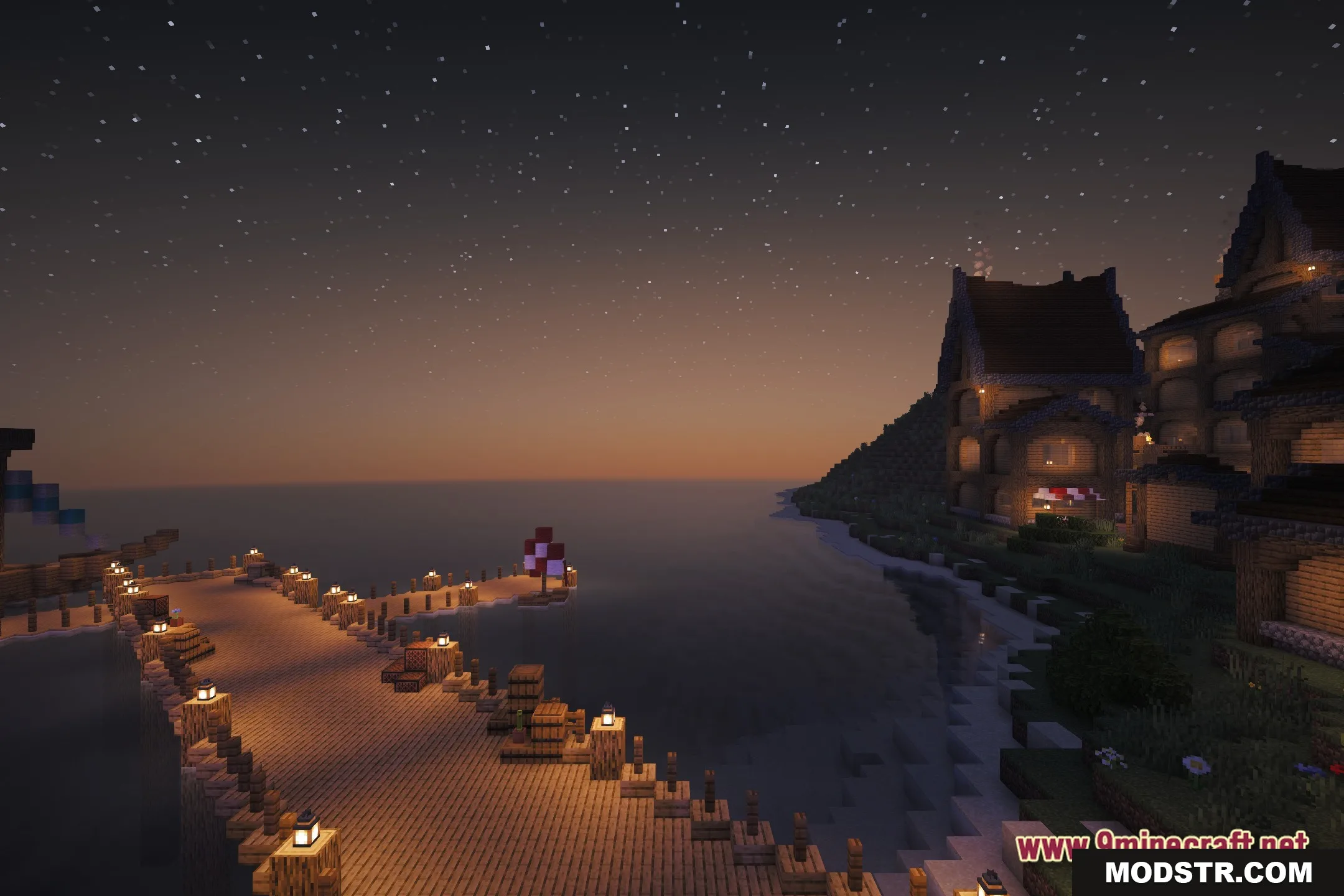
Unbound Sovereign 202 Shaders provide a magical, fantasy-themed visual experience for Minecraft, utilizing customized settings tailored for the Sovereign 202 modpack.
- 1.20.1
Unbound Sovereign 202 Shaders are designed to enhance the lighting in Minecraft, creating a fantasy ambiance suited to specific gameplay styles. These shaders modify a well-known base pack to fit within the framework of the Sovereign 202 modpack.
Features
- Creates a fantasy visual aesthetic for your Minecraft world.
- Utilizes highly customized settings based on Complementary Unbound.
- Adjusts lighting and color schemes specifically for the Sovereign 202 modpack.
Installation
- Download the shader pack from the official source.
- Open Minecraft and go to the 'Options' menu.
- Select 'Video Settings' and then 'Shaders'.
- Click on 'Shaders Folder' and place the downloaded shader pack there.
- Return to the 'Shaders' menu and select the Unbound Sovereign 202 Shaders to activate them.
Screenshots
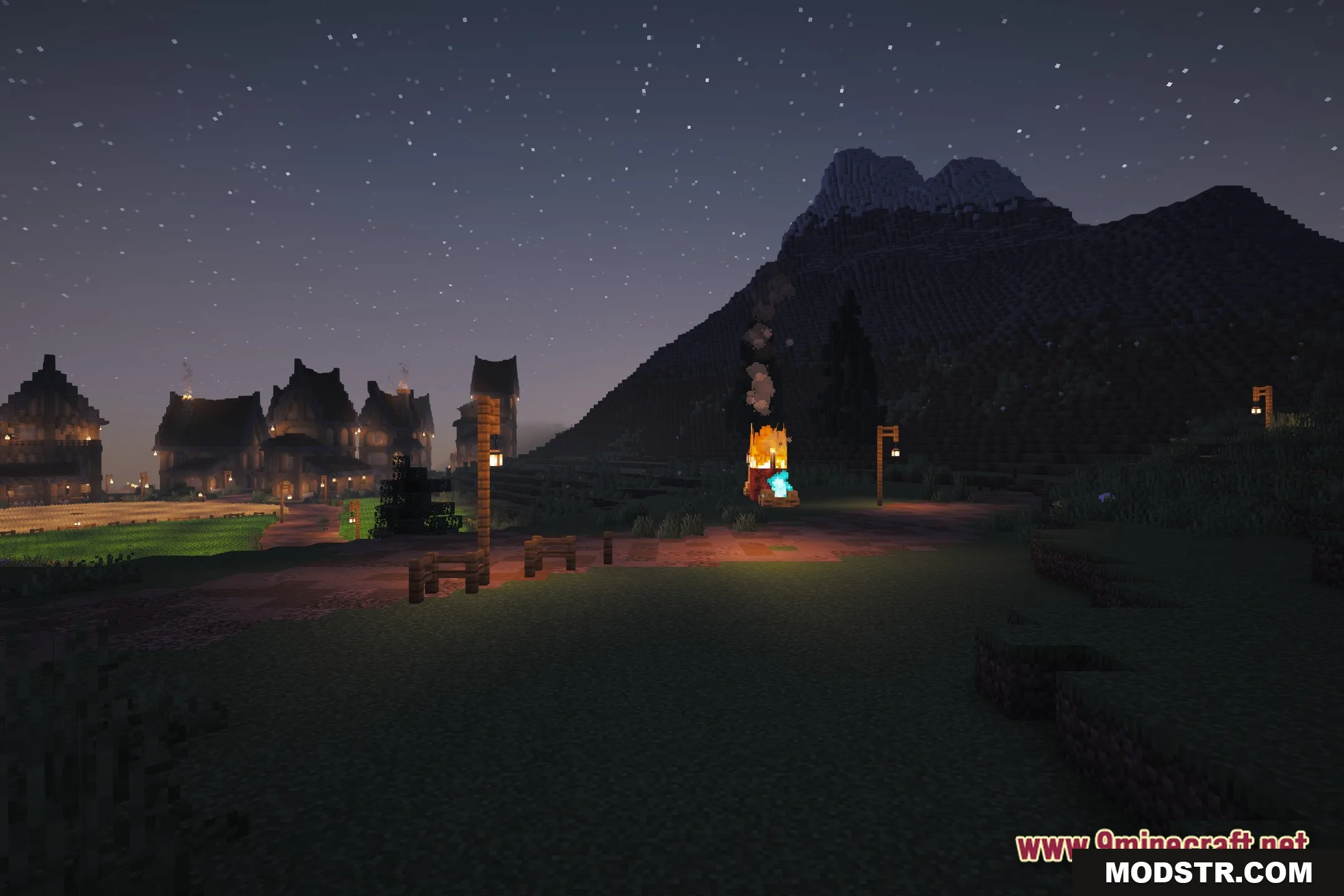
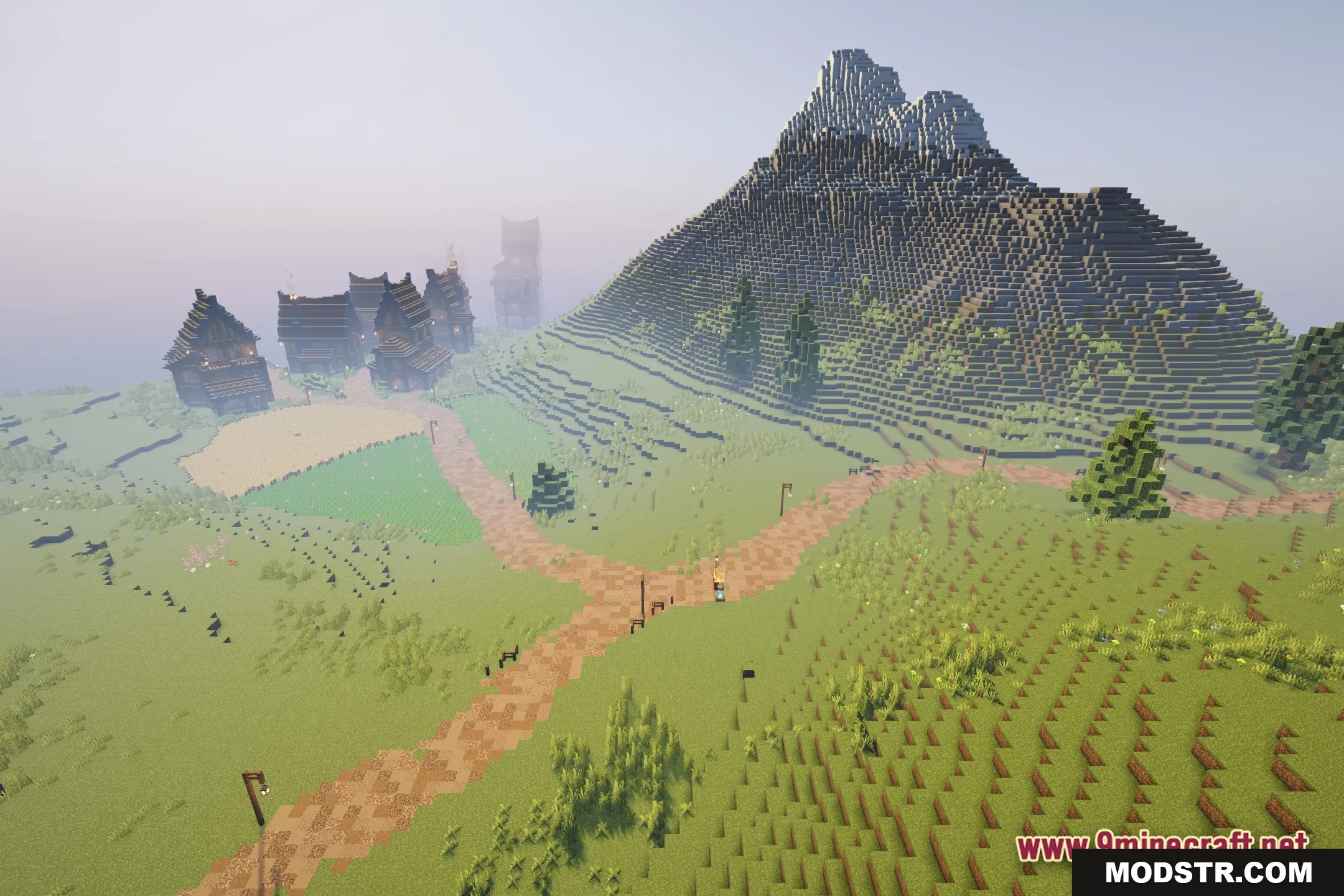
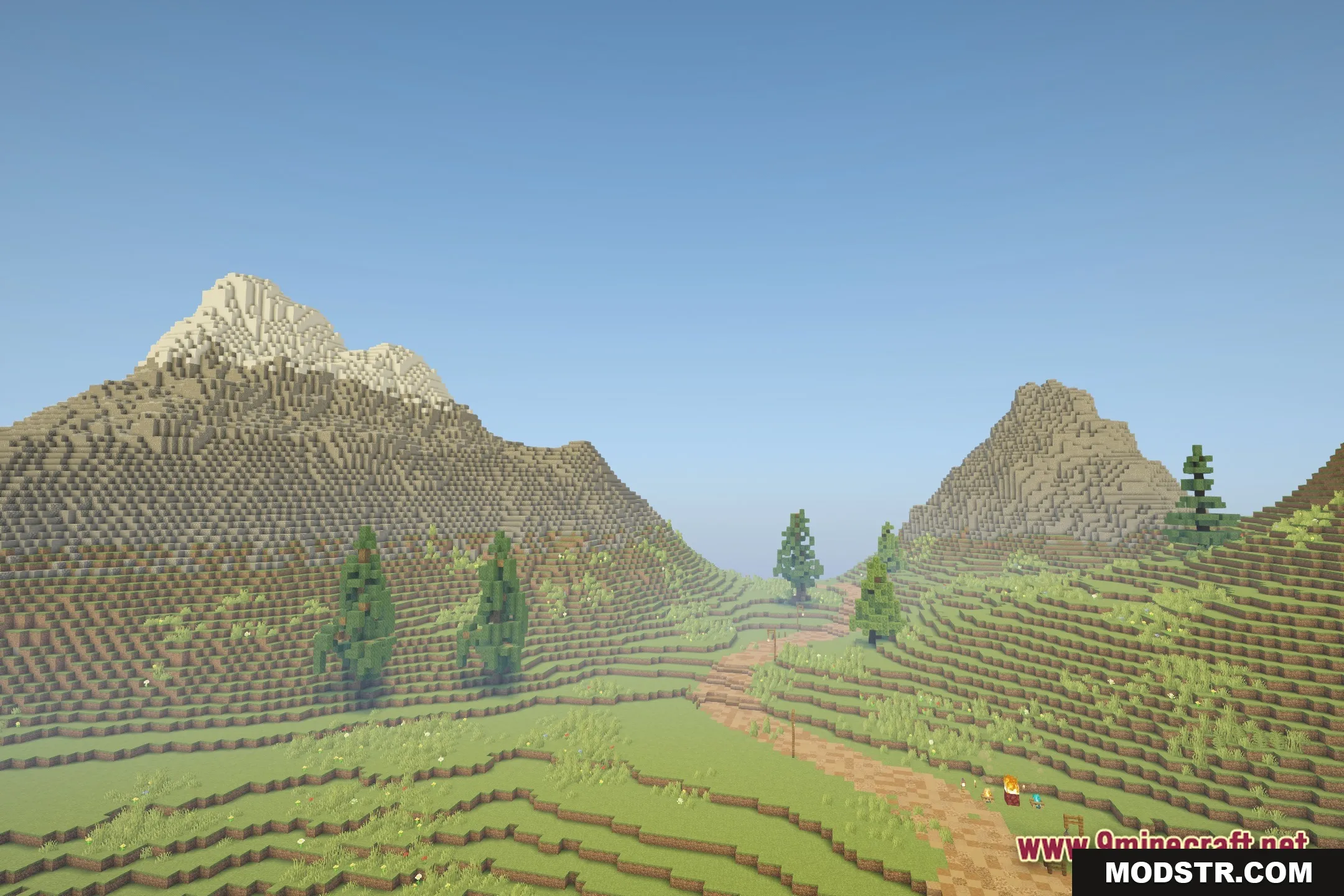
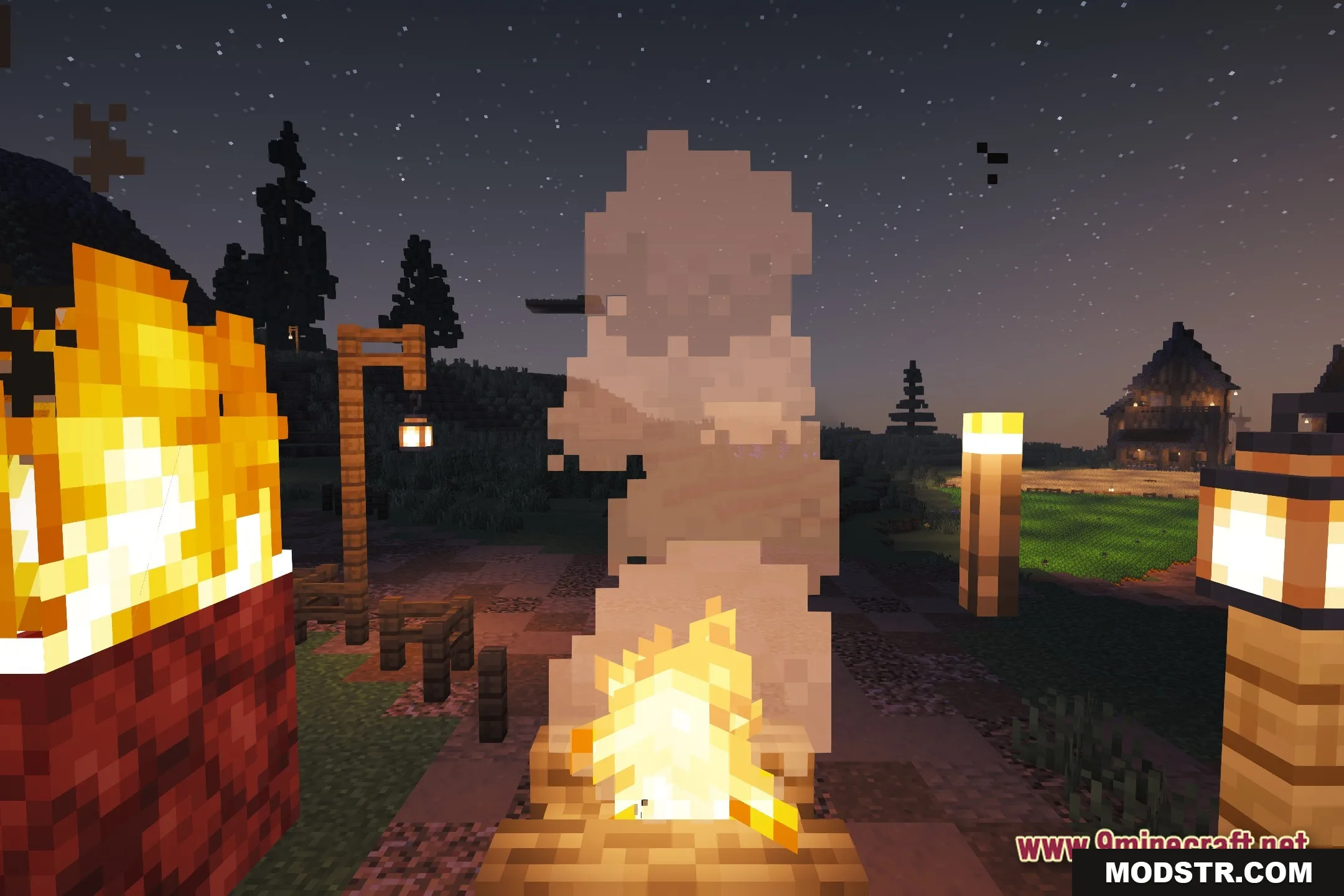
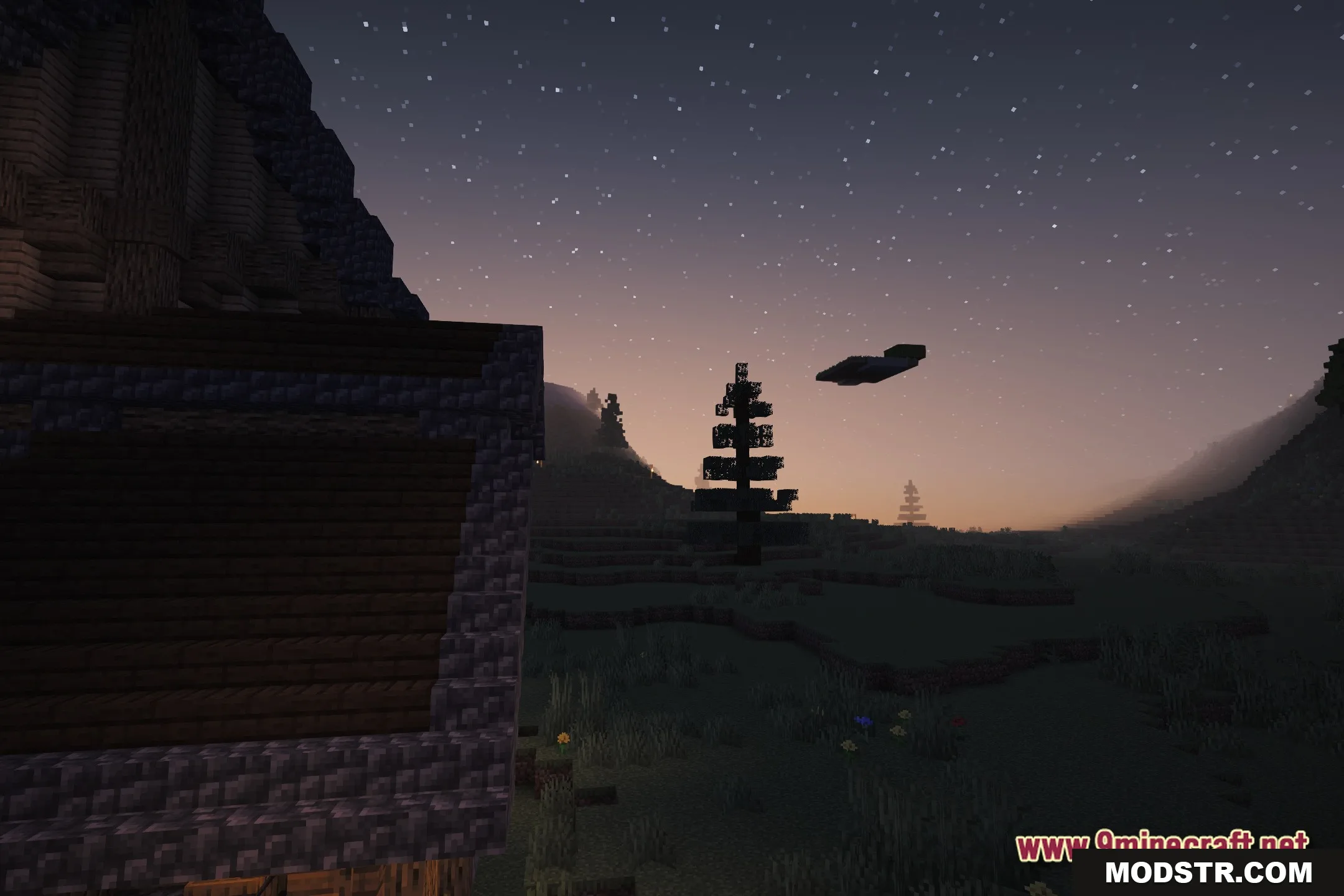
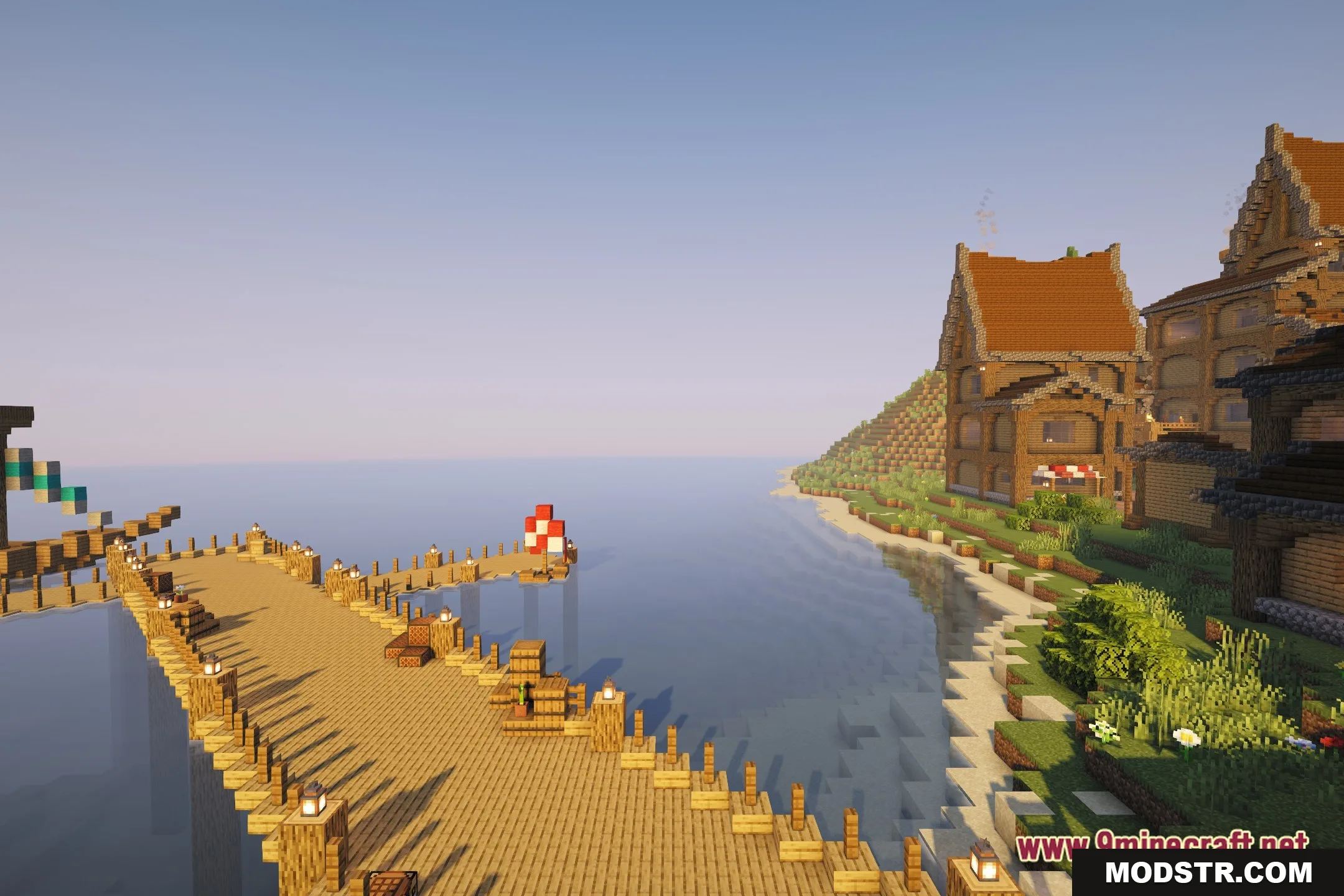
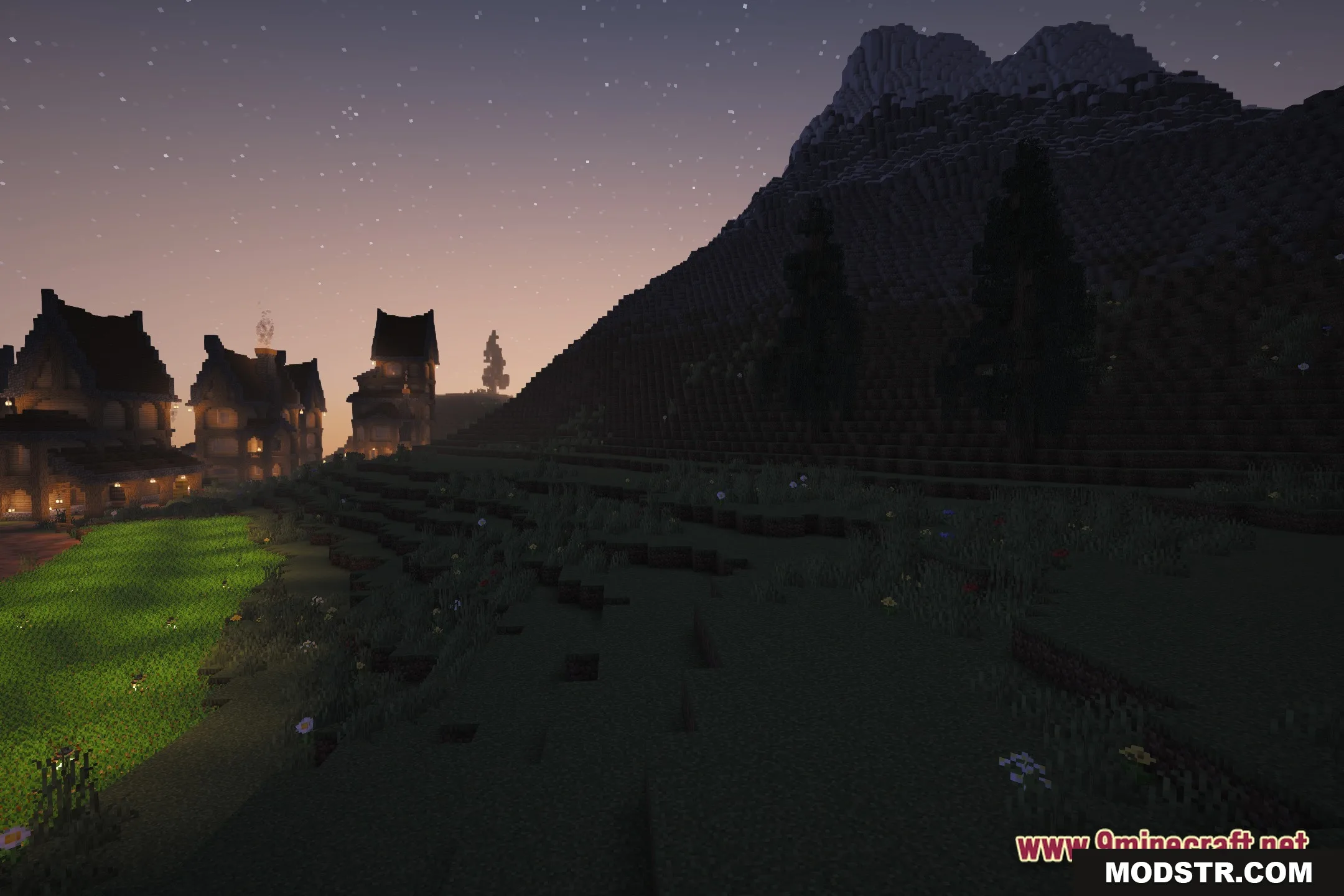
DOWNLOAD FILES
- shader